How the agent works
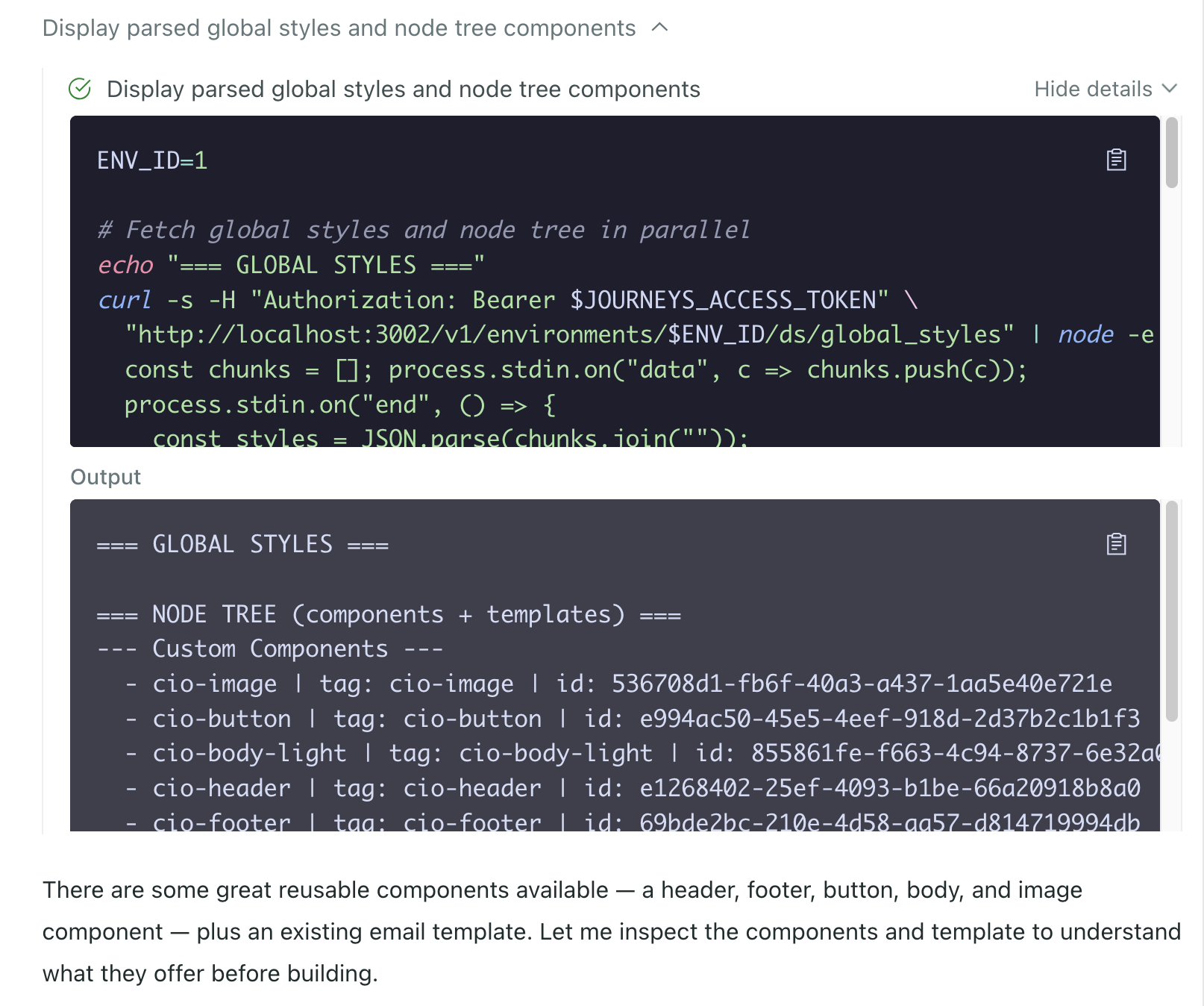
UpdatedWhen you ask the agent to do something, it works through a series of steps behind the scenes. Along the way, you might see it doing things that look technical—reading files, writing code, running commands. This is all part of the agent’s process. Where you work in a user interface, clicking and typing, the agent works by reading and writing code.
Skills
If you see the agent reading a skill, it’s just loading instructions for how to work with a specific part of Customer.io. Skills are built-in reference guides that cover things like campaigns, segments, Design Studio, and so on.
Think of skills as the agent’s version of reading documentation before using the product.

Code and the sandbox
If you see the agent writing or running code, that’s normal too. The agent operates in a sandboxed environment—an isolated workspace where it can think, plan, and execute tasks. Writing code is how it interacts with Customer.io, building email markup, processing data, and chaining steps together.
The sandbox is isolated to your workspace. The agent can’t access anything outside of it, and the code it writes is ephemeral—it exists only for the duration of the task.