Anonymous in-app forms
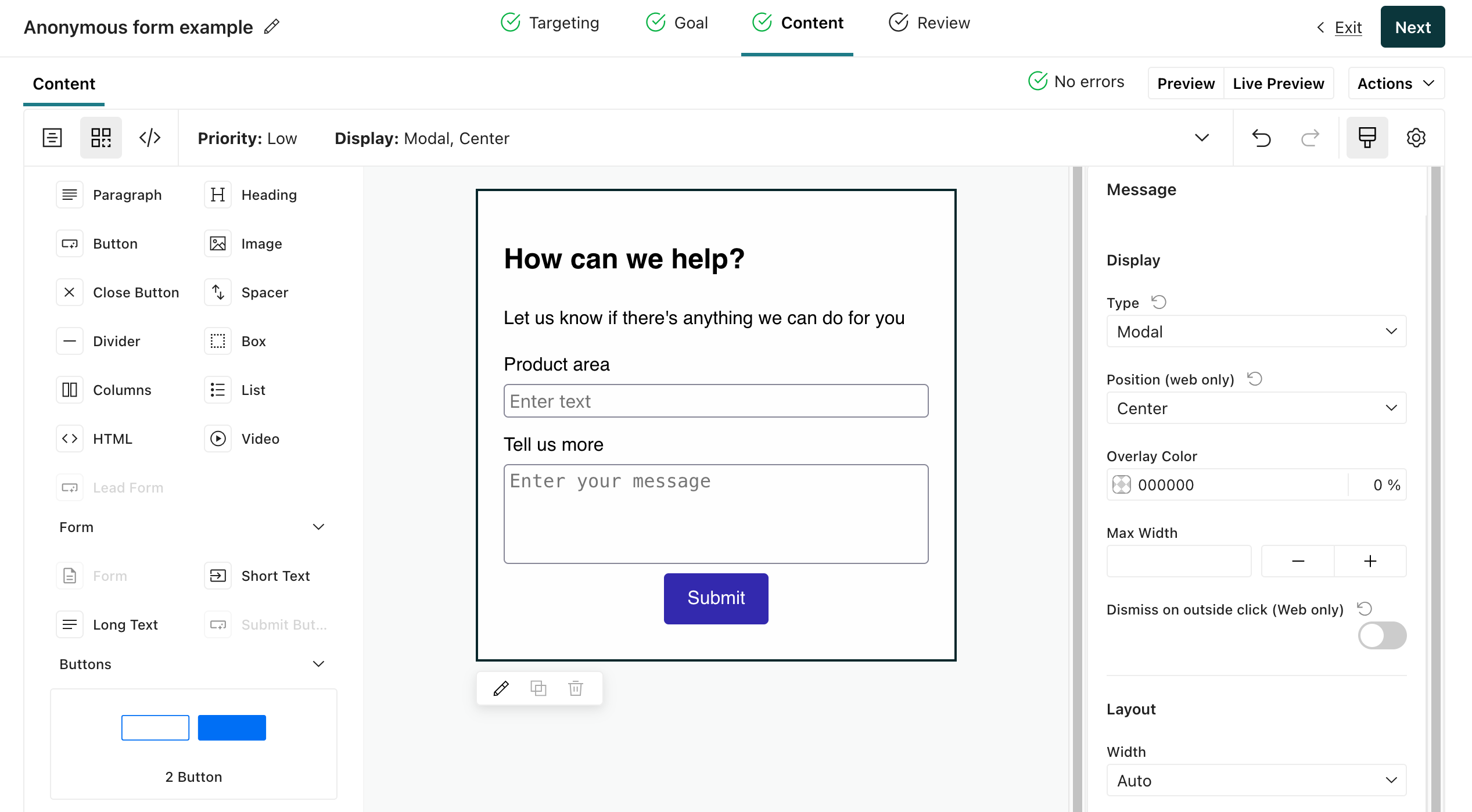
PremiumThis feature is available for Premium plans. EnterpriseThis feature is available for Enterprise plans. UpdatedYou can add form components to anonymous in-app messages to collect feedback from visitors who haven’t logged in—including open text fields. This lets you gather NPS feedback, feature requests, bug reports, and other kinds of open text feedback from unidentified visitors.
Did you want to identify people instead?
We retain anonymous form submissions for 30 days—unless you identify the person who submitted the form within that period. If you identify the person who submitted your form within that 30-day period, we’ll associate the form submission with their profile—and, because these submissions are no longer “anonymous”, we’ll retain the event.
You can view and export form submissions in the Form Submissions tab to store anonymous submissions beyond the 30-day retention period.
Add a form to your message
In the Content step of your anonymous message:
Drag a Form component into your message.
Set the form
name. If you struggle to select the form in the message editor, you can use the breadcrumbs at the bottom of the page or switch to the code editor to see thex-formelementnameparameter.We use the form name to show metrics in Customer.io; it’s also the name of the event that your form sends to Customer.io when people submit the form.
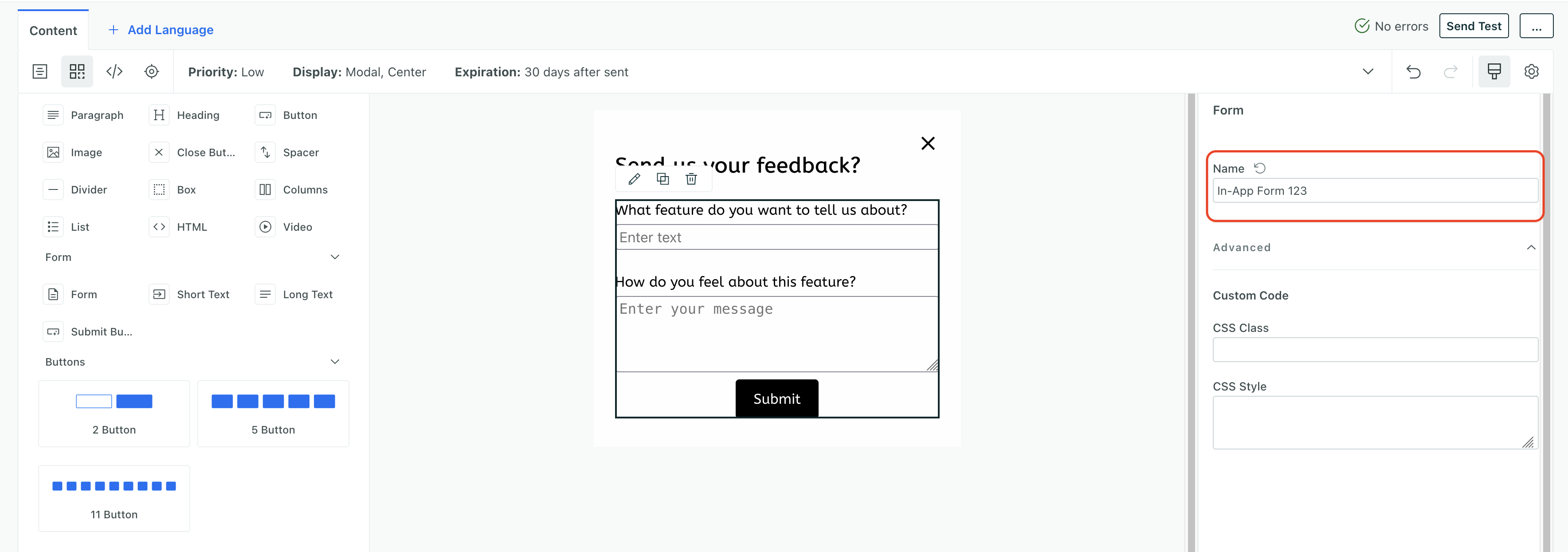
Add Short Text, Long Text or Buttons to your form. Note that you must add form components within the boundaries of the form element.
Set unique form names
View and export form submissions
When visitors submit your form, their responses appear in the Form Submissions tab of your anonymous message. You can browse submissions in the dashboard or click Export all to download a CSV.
Anonymous form retention
We keep anonymous form submissions for 30 days. After that, we delete them. If you identify someone within 30 days of them submitting your form, we’ll associate their form submission with their profile.
This is no different from other anonymous data.

