Message Channels
UpdatedThis is a disambiguation page. Read on to learn more about the message channels we support, or move on to the channel you really want!
This section is about messages
| Channel | Campaigns | API-Triggered Broadcasts | Newsletters | Transactional |
|---|---|---|---|---|
| Push | ||||
| In-app | ||||
| Inbox messages | ||||
| SMS | ||||
| Slack | ||||
| Webhooks |
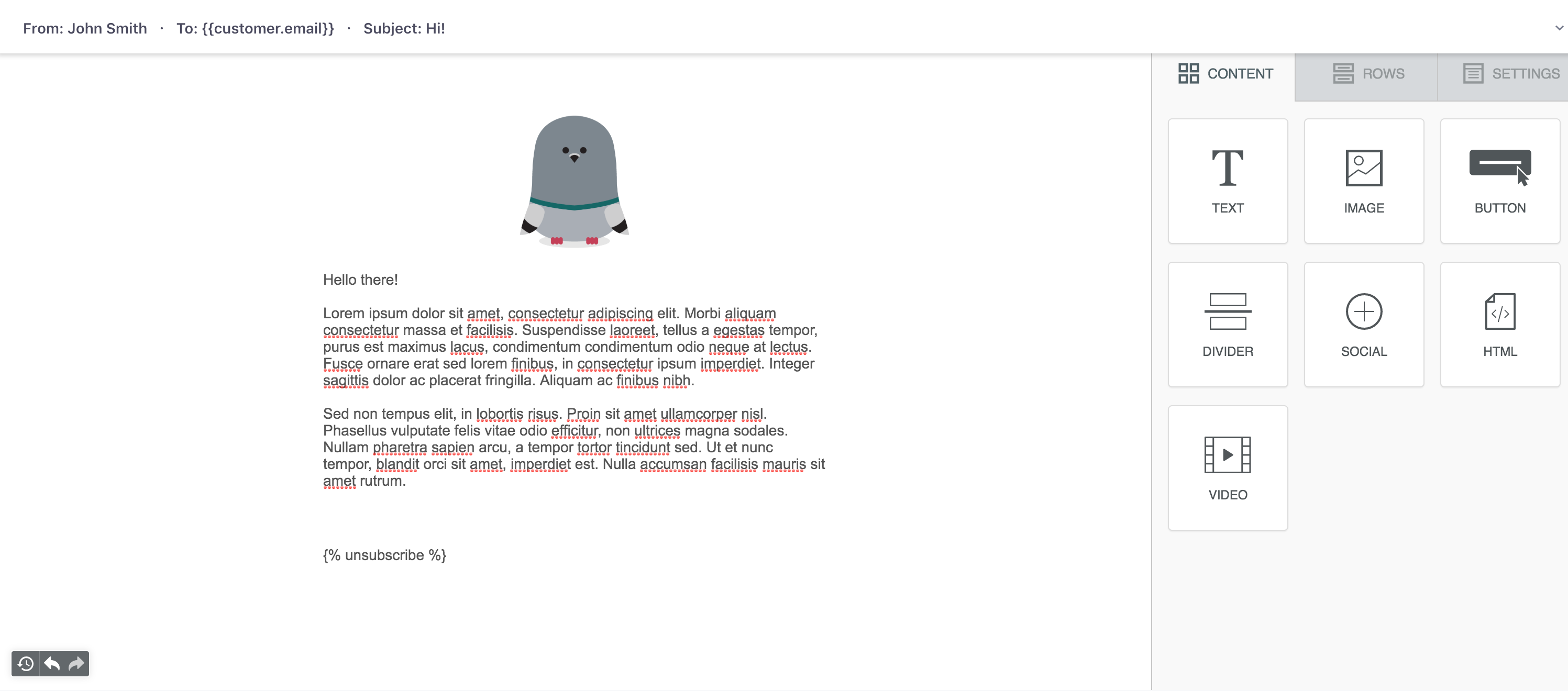
Our most common and customizable platform. We support several email service providers (ESP), or you can use your own, custom SMTP server. You can send email through any workflow or trigger type in Customer.io.
Unlike SMS, push, in-app, and so on, emails let you send complex information, including full HTML messages. Learn more about composing emails.
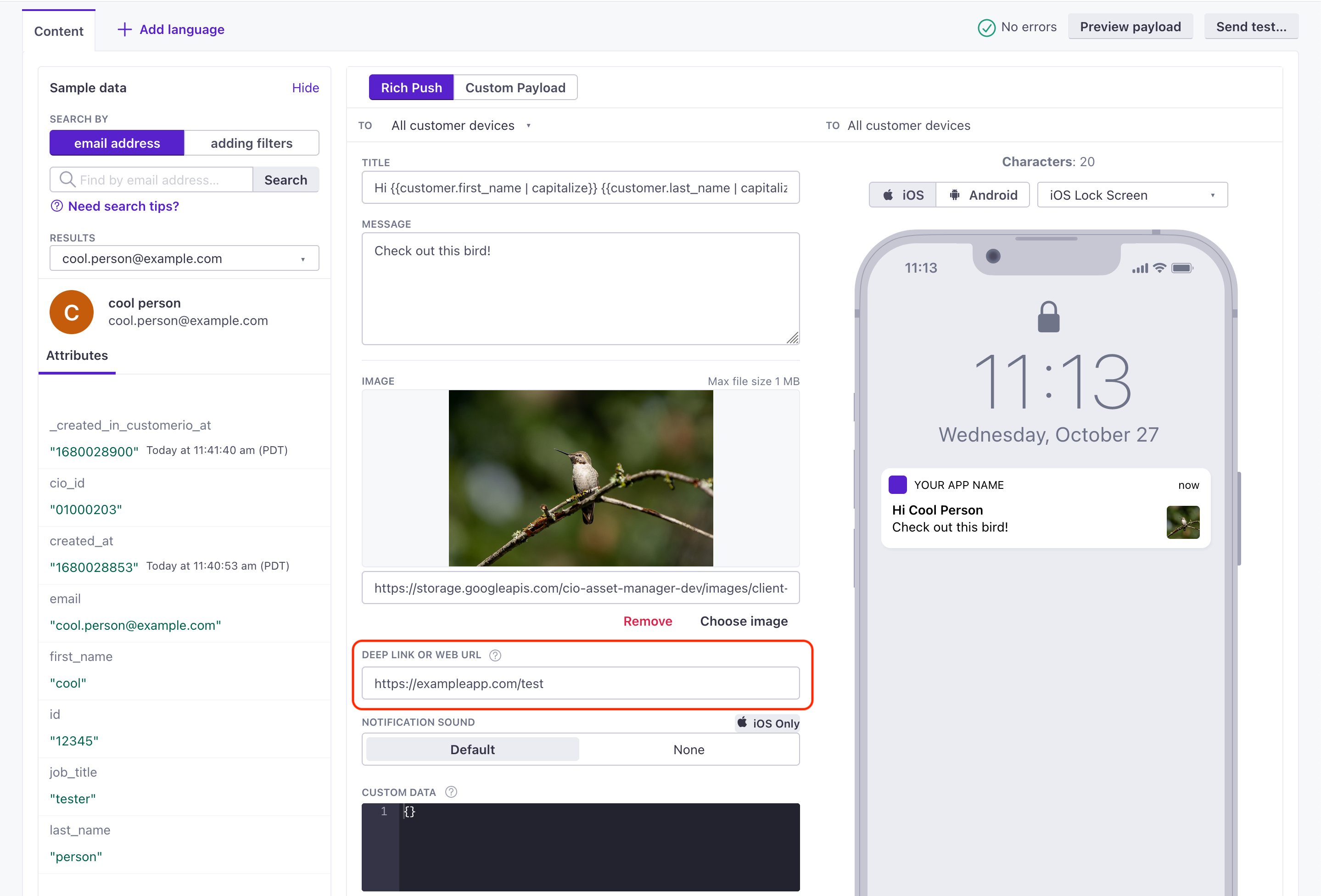
Push Notifications
Push notifications help you get in touch with your mobile audience, whether or not they’re in your app. Push notifications rely on your audience to opt-into messages on their device. While you can write your own integration to send push notifications, we recommend that you use our SDKs—which provide a much easier path to identifying your audience and sending push notifications.
We do not support web-based push notifications at the moment. To send a message to your web audience, you should send in-app messages. Learn more about push notifications.
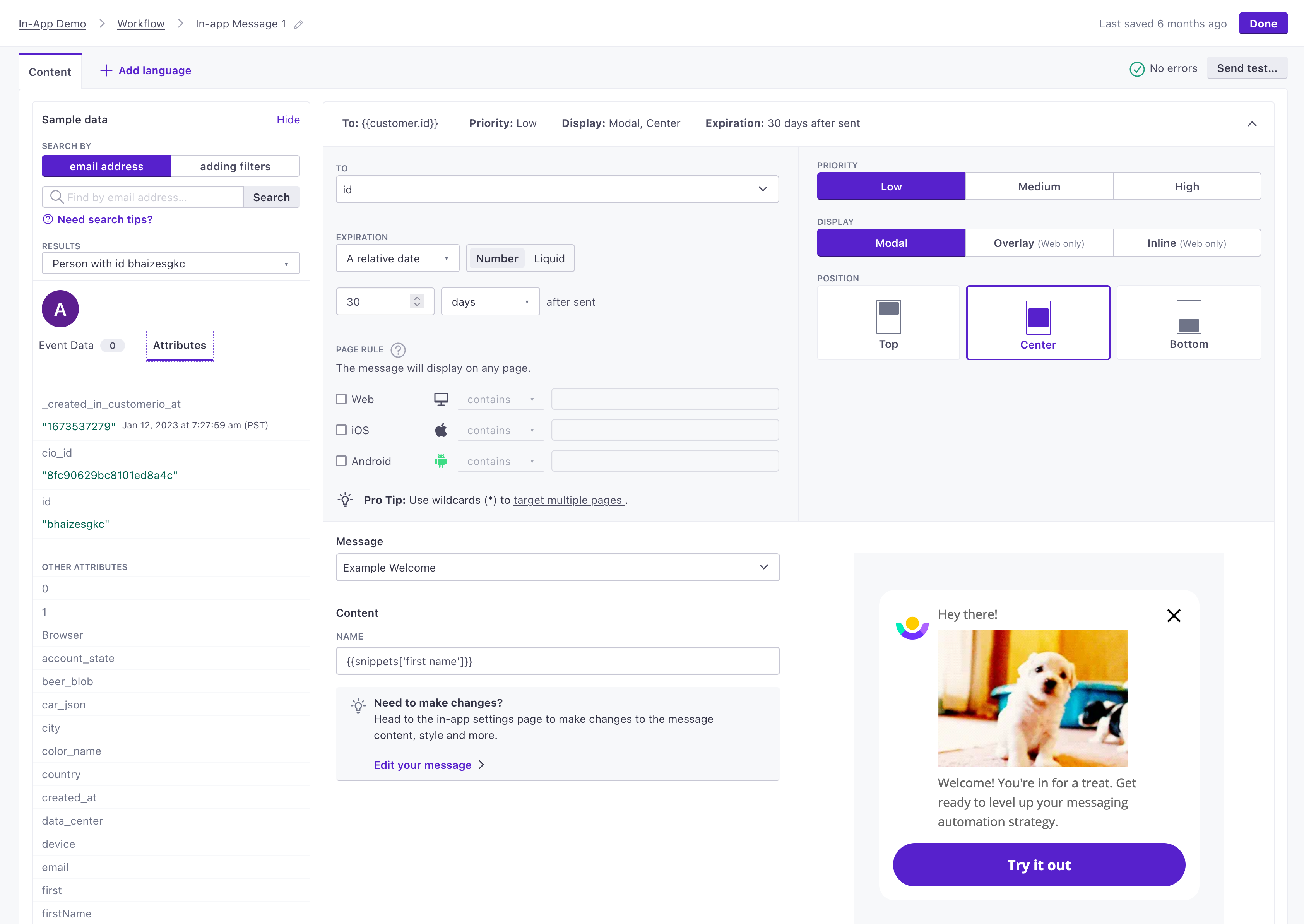
In-app messages
Where push notifications help you talk to your audience outside of your app, In-app messages help you reach your audience when they use your app or website. In-app messages are less restrictive in that your audience doesn’t necessarily need to opt-into messages to receive them. You simply have to identify them.
In-app messages are great for immediate, in-app interactions. You can send messages to people based on the page(s) that they visit in your app, the events that they perform, and so on.
You’ll have to install our SDK(s) in the apps where you want to receive in-app messages. You’ll also design in-app messages outside the campaign workflow. Learn more about in-app messages.
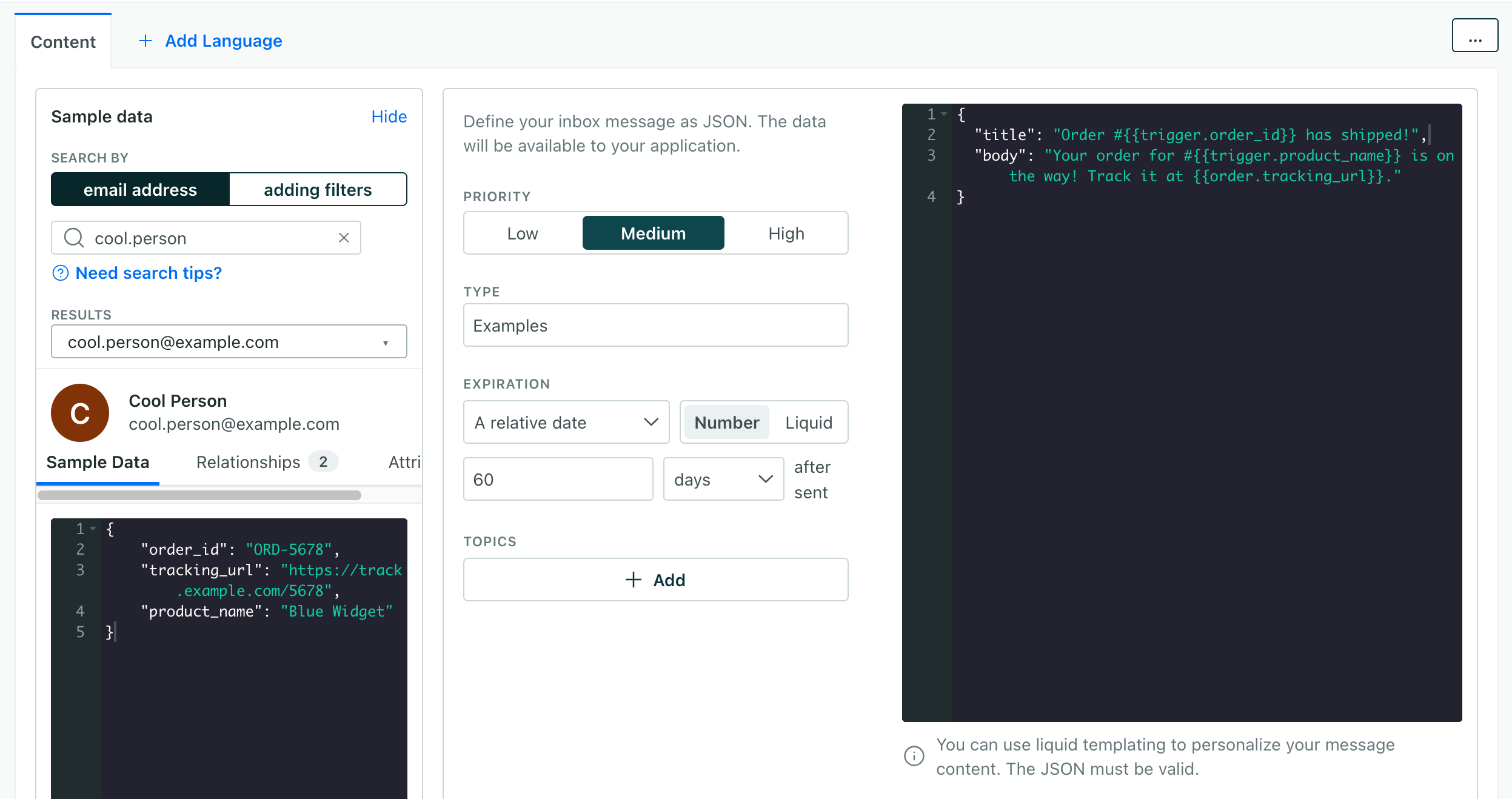
Inbox messages
Inbox messages let you send messages to people on your website or in your app that they can see and interact with at their leisure. Unlike other in-app messages, you can fetch and display inbox messages through a notification inbox that your audience can open or close. Learn more about inbox messages.
SMS
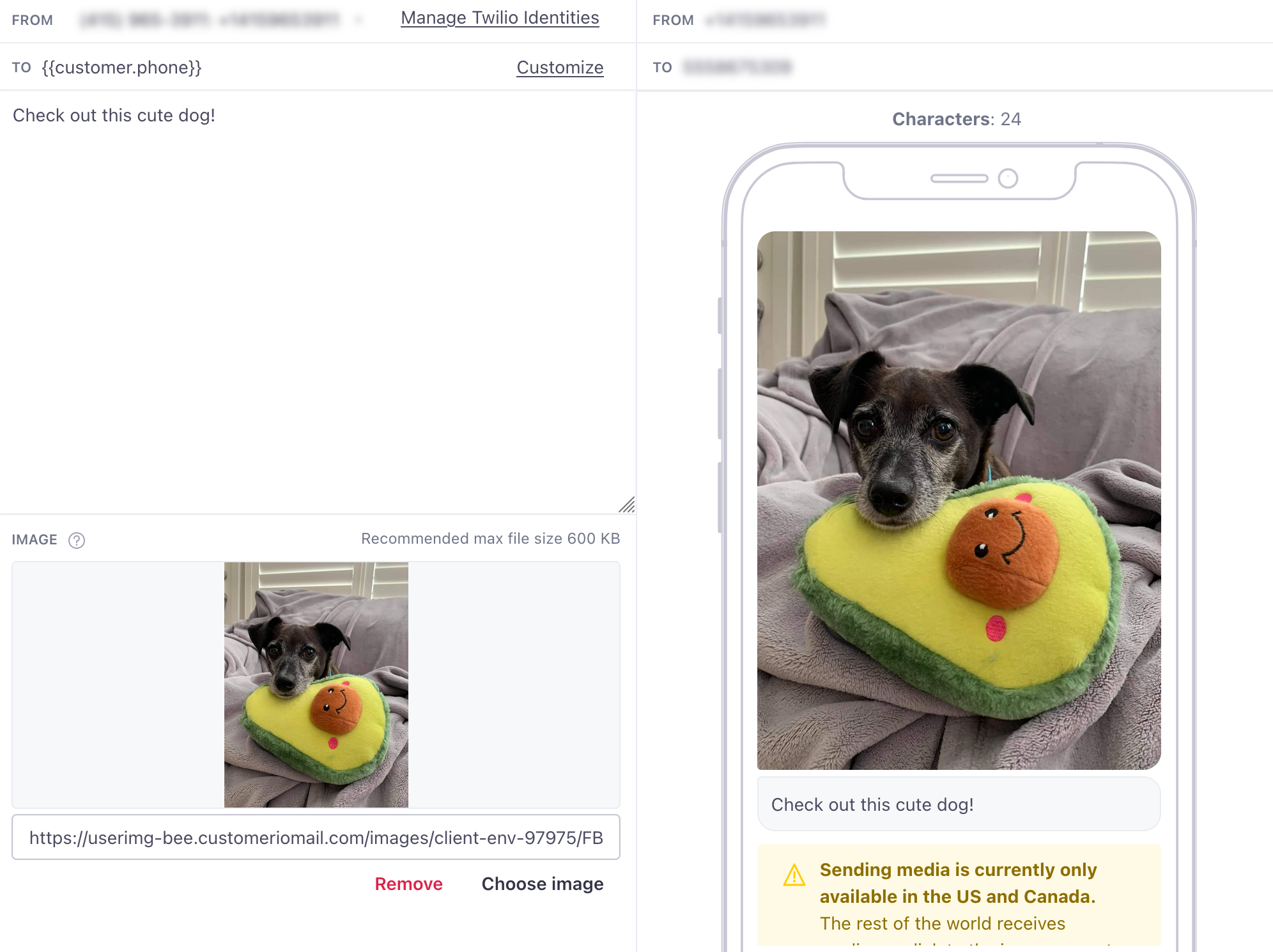
SMS messages provide a handy way to send people short, immediate info outside of your app or website. In some cases you can set up SMS support entirely through Customer.io. If you’re based outside of the US or Canada, or send messages to people outside of these countries, you’ll need to set up a Twilio account and add your credentials to Customer.io. Learn more about SMS.
WhatsApp is similar to SMS in that you can send messages to your audience using their phone numbers. But you’ll need WhatsApp-approved phone numbers to send messages; these are separate from the phone numbers you use to send SMS messages!
You can set up WhatsApp support through either your Facebook Business Account or Twilio. See WhatsApp: Get Started for more information.
Slack
Slack messages are a great way to alert people when a user performs an event, submits a help ticket, etc. If you have a public Slack channel, you might send a message when you release a new feature or version. Learn more about Slack messages.
Webhooks
Webhooks provide a handy way to set up quick, low-code integrations with external services. Webhooks let you pass data to, and return data from, just about any public API on the internet. You can use it to send a message, update a person’s attributes in Customer.io, update your CRM, or take just about any action on a customer that you’d want to do. Learn more about webhooks.


