Set Custom Email Headers
UpdatedEmail headers specify specific sending and return options for an email. When sending via SMTP, you can use custom headers to do a great many things: customize messages, tag them, track them, or control specific behaviors.
For example:
- Set the
X-Mailgun-Tagheader if you’re using Mailgun’s “Topic” subscription functionality - Set your own
List-Unsubscribeheader for specific emails (if you use our unsubscribe link, we add this header automatically) - Stop emails from being shown as a thread by Gmail with the
X-Entity-Ref-IDheader - Use
X-Auto-Response-Suppress:OOFto suppress auto-replies from Exchange servers
Adding, editing, and removing custom headers
You’ll find the custom headers option in the email composer. Add them by clicking the Add Custom link to the right of the Headers:

Here’s an example of an added item:

You cannot CC people on your emails at this time. We do have options for Reply-to and BCC, though.
Errors
There are a few guidelines:
- You can add up to four custom headers at a time, in addition to Reply-to, BCC, and Subject.
- Your header’s name can’t be blank, but the value can be.
- There are some headers you can’t use (see “Denylisted headers” below)
- You can use Liquid here! If there are errors, you’ll see them in the ‘Review Errors’ modal.
When there’s a problem with your headers, our ‘Review Errors’ button animates:
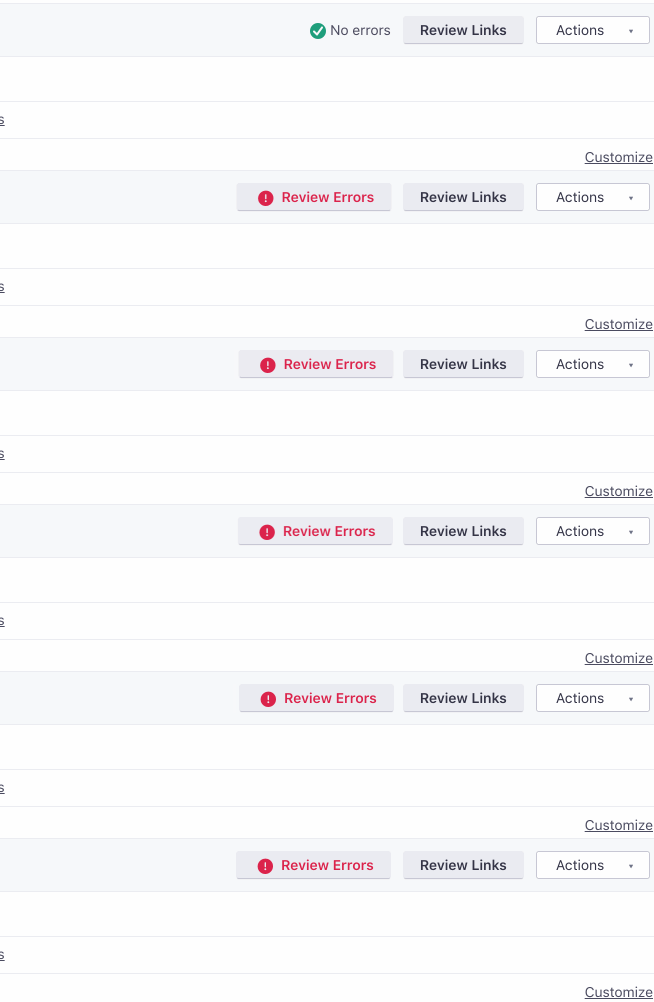
And we show you an indicator on the relevant header.

Then, you can review your errors in the resulting modal: It looks like this:
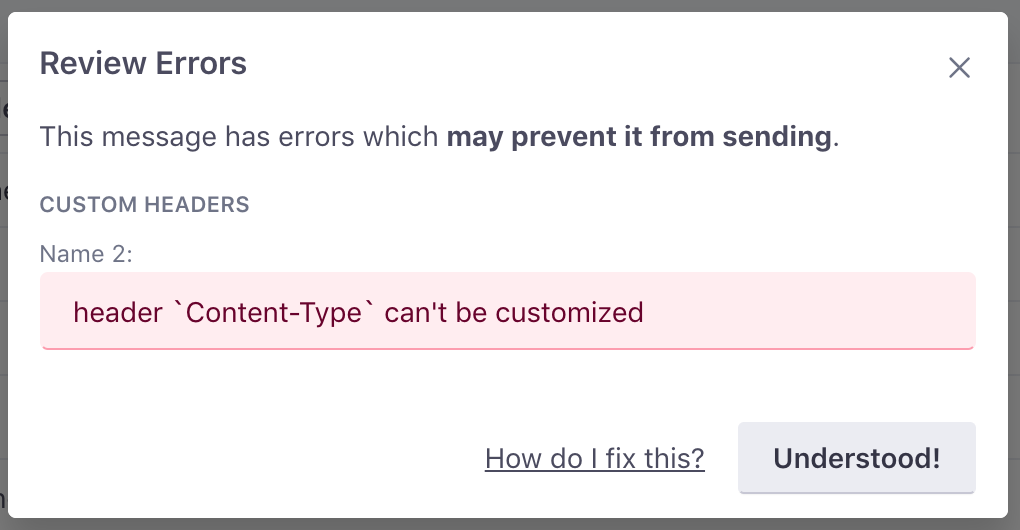
If you’re concerned about how to deal with a specific error here, you should be able to find it in our our Composer Errors documentation.
Denylisted headers
There are some headers that we need to keep control of at Customer.io:
- Message data such as
SubjectorTo - MIME headers which dictate email formatting, as well as Return Path information (
ReceivedorReturn-Path): these are generated by our servers at time of delivery - Mail client information tags, such as
X-Mailer: Customer.io needs to setX-MailerandX-Report-Abuse-To, to allow receiving services to notify us of bad Authentication-Results
The full list:
| Message data | MIME | Return Path Information | Client-specific |
|---|---|---|---|
Message-ID | Mime-Version | Received | Mail-System-Version |
Date | Content-ID | Return-Path | Mailer |
From | Content-Base | Authentication-Results | Originating-Client |
Subject | Content-Alias | Received-SPF | X-Mailer |
To | Content-Identifier | Auto-Submitted | X-Report-Abuse-To |
Reply-To | Content-Length | VBR-Info | |
CC | Lines | ||
Content-Type | |||
Content-Disposition | |||
Content-Transfer-Encoding | |||
Encoding |
Provider-specific headers
X-SMTPAPI (SendGrid): If you send an X-SMTPAPI header, we reserve the use of the email_id unique argument to support message tracking and reporting, the remainder of your header will be passed through to Sendgrid unchanged.
Feedback?
This is a fairly advanced feature, and we want to make it as useful as possible, and help you better track and customize your emails. If you have any questions or feedback on this feature, please let us know!

