

Learn Customer.io through our Academy
Our docs site provides conceptual info, step-by-step guides, and detailed information about features and functionality across our platform. But we also offer an Academy where you can take courses and complete exercises to learn about Customer.io! Use our docs to explore topics in depth and our Academy for a more structured learning experience.
The Academy is a free resource where anybody with a Customer.io account can learn about Customer.io.
Access the academy
To access the Academy:
- Log into your account.
- Click Need help? at the top.
- Click Learn with Academy.
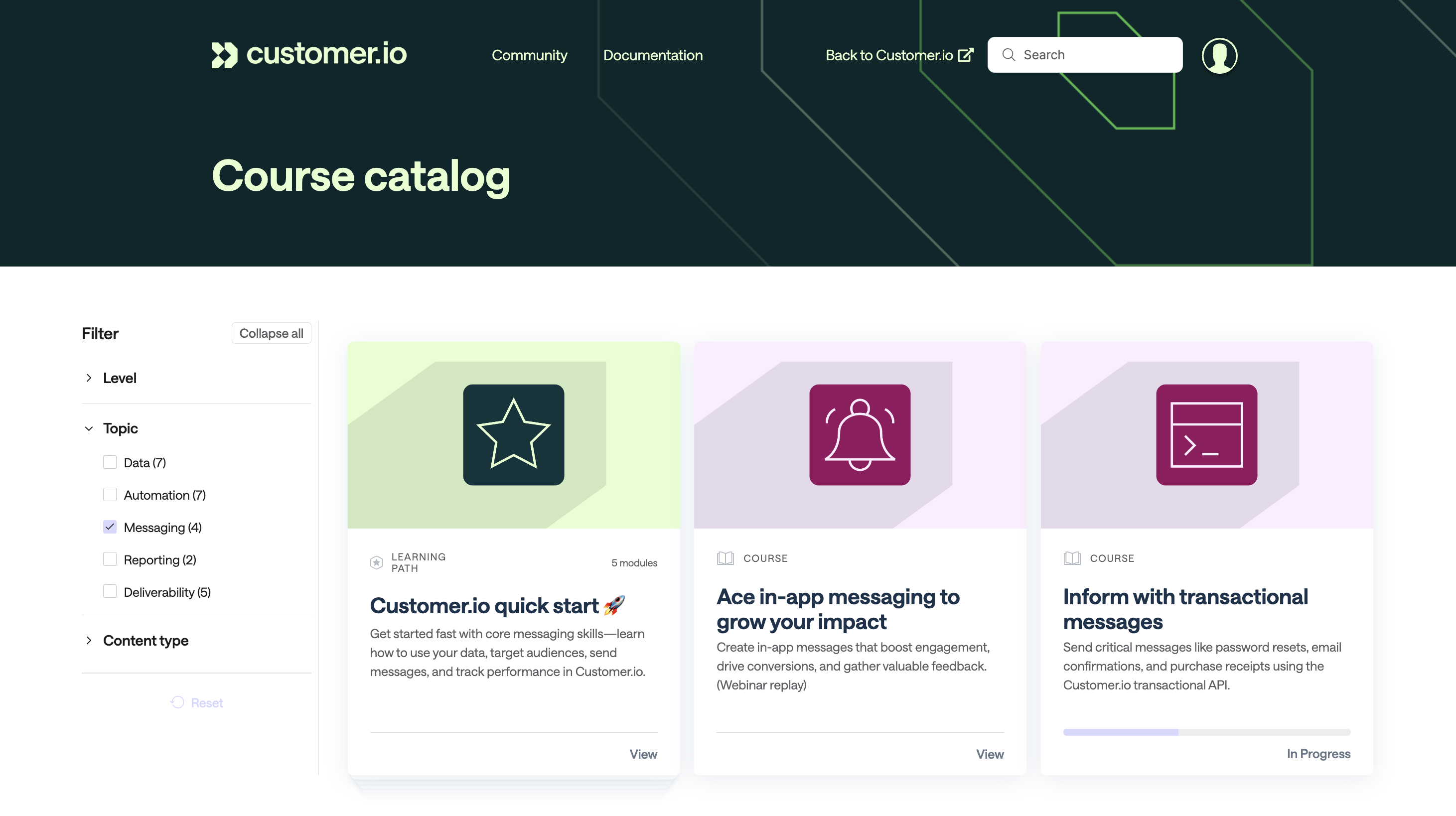
From there, you can browse individual courses or complete a longer learning path composed of multiple courses. Learning paths are great for getting started with Customer.io!
You can also filter by topic or use the search bar to find relevant learning material.
Learning paths
A learning path is a series of courses designed to teach you about a broad concept or range of topics in Customer.io. For example, the Customer.io quick start path covers the core concepts of Customer.io, including how to use your data, target audiences, send messages, and track performance.
Note that some paths are only available if you’re on our Premium or Enterprise plans.
| Learning Path | Courses | Description |
|---|---|---|
| Customer.io quick start 🚀 | 5 | Get started fast with core messaging skills—learn how to use your data, target audiences, send messages, and track performance in Customer.io! |
| Email deliverability | 4 | Build and maintain a strong sender reputation that keeps your emails out of spam folders and in front of your audience, where they belong. |
| Build customer journeys | 4 | Level up from automation newbie to strategist with advanced workflows and techniques. |
| Set up your data | 3 | Plan and execute integrations that get your data into Customer.io and enable behavior-driven automations. Collaborate with developers to connect the right data sources so you can build messaging that converts. |
Courses
Beyond learning paths, you can browse and take any individual course in the Academy outside of learning paths. These courses are geared towards specific topics and skills.
Check out the courses below or browse the course catalog to find a course that interests you. Note that some courses are only available if you’re on our Premium or Enterprise plans.
| Course | Description |
|---|---|
| Choose the right message type | Stop second-guessing which message type to use. This quick guide breaks down one-time sends, automations, and transactional messages—so you can confidently pick the right one and start building. |
| Trigger automations with data | Learn how to trigger automations based on customer behavior, segment membership, or specific dates so that you're always reaching people when your message matters most. |
| Set goals, messaging options, and exit criteria | Define the goal and exit criteria of your automation to set the boundaries of your automation and how you’ll measure success. Use these important automation settings to provide high-level guidance for the operation of your automation. |
| Build workflows to automate customer engagement | Combine messaging, branching, and timing actions in workflows to create truly responsive and engaging automations that nurture and convert your customers. |
| Build B2B and other non-people campaigns with Objects | Accounts. Companies. Plans. Policies. Opportunities. These are all examples of entities that can be related to people that you might want to use to activate and/or personalize your messaging. |
| Inform with transactional messages | Send critical messages like password resets, email confirmations, and purchase receipts using the Customer.io transactional API. |
| Repair your domain reputation | Uh, oh. Have your open rates landed in the basement? Learn best practices and proven methods to repair your domain reputation and start landing more of your email in the inbox versus the spam folder. |
| Use ads to build a re-engagement engine | Reconnect with customers who have drifted away from your email. This "live build" recording will walk you step-by-step through creating a re-engagement campaign that gives your customers a few final chances to re-engage with your email communications. |
| Get ready for Black Friday / Cyber Monday now | Get a jump on the most profitable sales event of the year. Learn best practices to prepare for and execute successful Black Friday & Cyber Monday email campaigns. |
| Drag-and-Drop email editor tips and tricks | Flex your powers with the drag-and-drop email editor. From creating reusable templates that enforce your brand and save you time, to levelling up your design skills, this course will make you a drag-and-drop pro! |
| Get data out of Customer.io | Send messaging metrics and/or customer data out of Customer.io to other systems like your CRM, data warehouse, or analytics platform. Use built-in integrations to simplify the sharing of data whether it be for data enrichment or deeper analysis. |
| Understand the data that powers your messages | Discover the building blocks of Customer.io—people, attributes, and events—that make smart, personalized messaging possible. |
| Target your audience with segments | Build dynamic segments that automatically group customers based on behavior and attributes, so you send the right message to the right people every time. |
| Build a reminder campaign to keep more bookings | Make sure your customers make it to more appointments and events by sending accurate and timely confirmations, reminders, and follow-ups. |
| Drive engagement with one-time sends | Create and send targeted one-time messages for product announcements, updates, and promotions. |
| Build an abandoned flow campaign to increase conversions | Bring customers back with well-timed messages for abandoned carts, sign-up flows, courses, and more. |
| Ace in-app messaging to grow your impact | Create in-app messages that boost engagement, drive conversions, and gather valuable feedback. (Webinar replay) |
| Increase engagement with testing | Learn how to boost your open and conversion rates with incremental experiments. (Webinar replay) |
| Convert with automations | Design multi-step automated workflows that personalize based on customer behavior, delivering onboarding and lifecycle messaging at scale. |
| Salesforce integration setup, operation, and best practices | Learn how to set up the Customer.io Salesforce integration to nurture leads, activate new customers, drive renewals, and more. *Premium plans only* |
| Track and optimize performance | Analyze automation metrics, identify optimization opportunities, and make data-driven improvements to boost engagement and conversions. |
| Identify the data you need | Stop guessing what data you need. Build a complete tracking plan that makes developers say "Finally, someone who knows what they want!" |
| Integrate your data | Speak your developer's language. Understand integration methods, data structure, and formatting requirements to turn your tracking plan into working automations. |
| Organize your data for long-term success | Turn your data into a well-organized, maintainable system. Clean up inconsistencies, add documentation, and establish governance practices that scale. |
| Set up custom roles | Create custom roles that match your team's actual work, so people have the access they need without security risks or admin bottlenecks. |
| Get to know Customer.io | New to Customer.io? This quick guide explains what the platform does, how it works, and what you can build with it. |
| Send your first email with Design Studio | Build once, reuse everywhere. Set your brand, create templates and components, and send your first email with Design Studio. |
| Customer.io certified practitioner | WIP |
| Beyond person data with custom objects | Message people based on shared data, like accounts, courses, and teams. And learn when objects solve problems person data can't. |
| Personalize at send time with LLM actions | Build an automation that adapts to each person. Use LLM actions to classify intent, route customers down different paths, and generate ultra-personalized copy. |
| Ask, build, and ship with MCP | Your AI tool is already where you work. Bring Customer.io into the chat and pull metrics, build segments, and draft automations in the same tab. |
| How inbox providers decide | Your delivery rate can look perfect while most of your mail goes to spam. That gap is deliverability, and this course explains why it matters. |
| Prove you're a real sender | Owning a domain isn't the same as proving it's yours. And until you can prove it, you can't send at all. This course gets you verified . |
| Warm your domain | Verified means you're allowed to send. It doesn't mean you're trusted to. This course shows you how to warm a domain to full volume. |
| Catch email problems before you send | Outlook broke your headline. Gmail dropped your font. AI summarized your footer, of all things. Learn why, and how to catch it before you send. |
| Personalize messages with lists of items: liquid loops | Learn how to use Liquid loops to display items from JSON arrays in your messages, like showing multiple products from an order or event. |
| How to exit a Campaign when a reply is received | Learn how to pause automated campaigns when someone replies, so you can move to personal outreach at the right time. |
| Manage your team's training | Enroll your team into courses, track their progress, and manage training assignments as a Team Lead. |
| Analyze automations with the agent | Ask the agent about your automations, get answers from your actual data, and act on what you find. |