Connect web forms to your workspace
Now you can connect forms to your workspace without Zapier, and automatically add or update people who fill out forms on your website. When you connect a form to Customer.io, you map fields on your form to profile attributes, automatically populating information about people who submit your form.
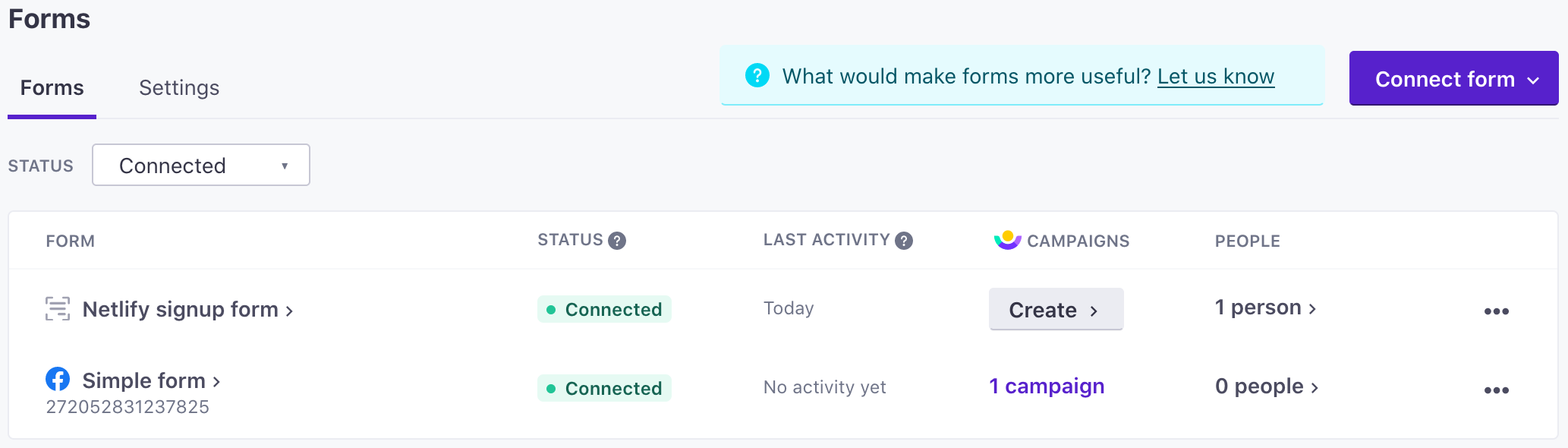
You can integrate directly with our new /forms API, or you can add forms on the new Integrations > Forms page and use the connected forms JavaScript snippet. This new JavaScript snippet captures form fields and URL parameters from forms, and sends submissions back to Customer.io.
To use our form-scanning service, you need to install the Custom forms JavaScript snippet. This snippet is different from our basic JavaScript snippet and captures form submission events from:
- Formstack
- Instapage landing page forms
- Netlify forms
- Squarespace Form Blocks and Newsletter Blocks
- Unbounce landing pages (not pop-ups or sticky bars)
- Webflow
- Your own HTML forms
- And others
You can also integrate directly with the /forms API.
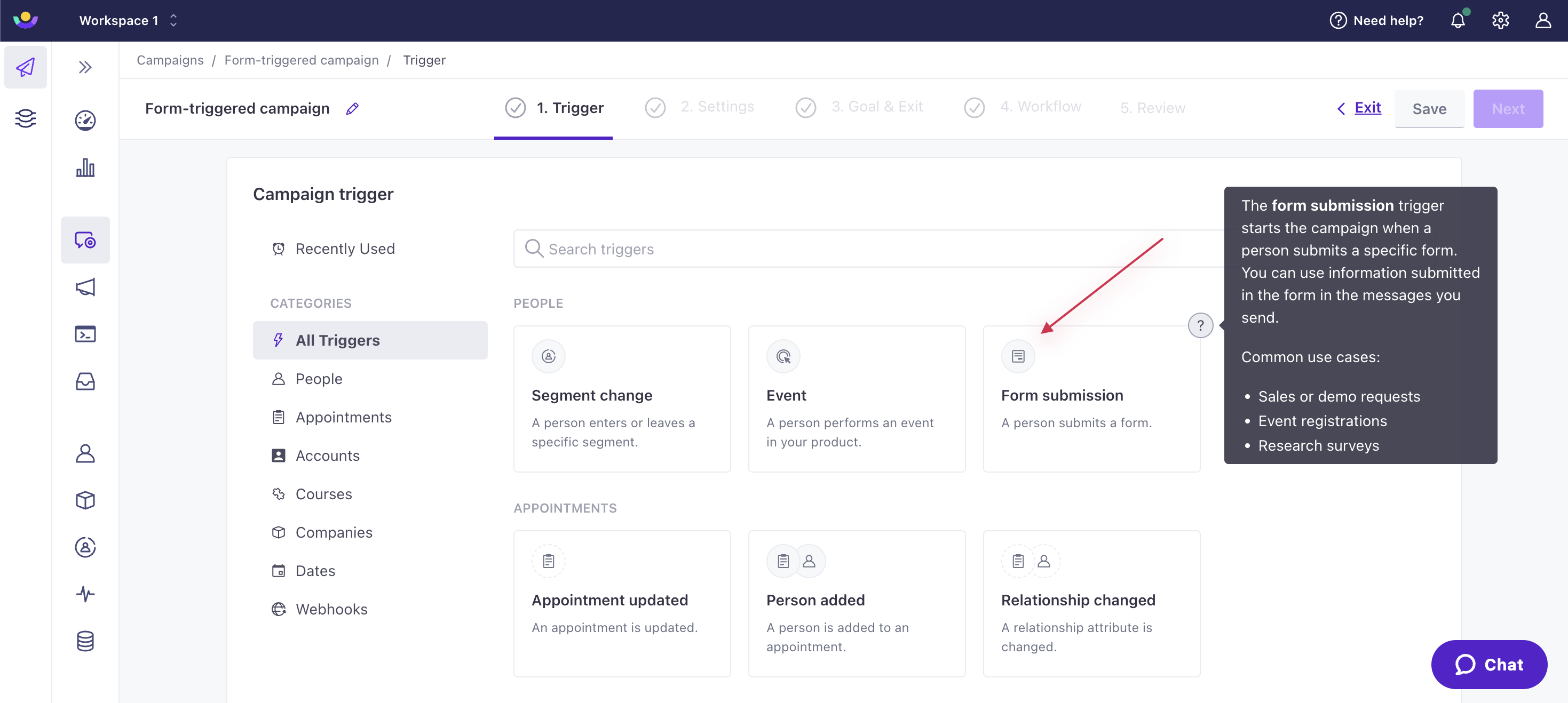
This release also exposes form submission events as automation triggers, helping you enter people who submit your form into an automation and respond to their submissions.