

Merge and resolve duplicate profiles
You can now merge people together, helping you resolve duplicates and accurately represent members of your audience.
In the past, if you inadvertently represented the same person multiple times in your workspace, you couldn’t resolve the issue without deleting duplicates and potentially losing information in the process.
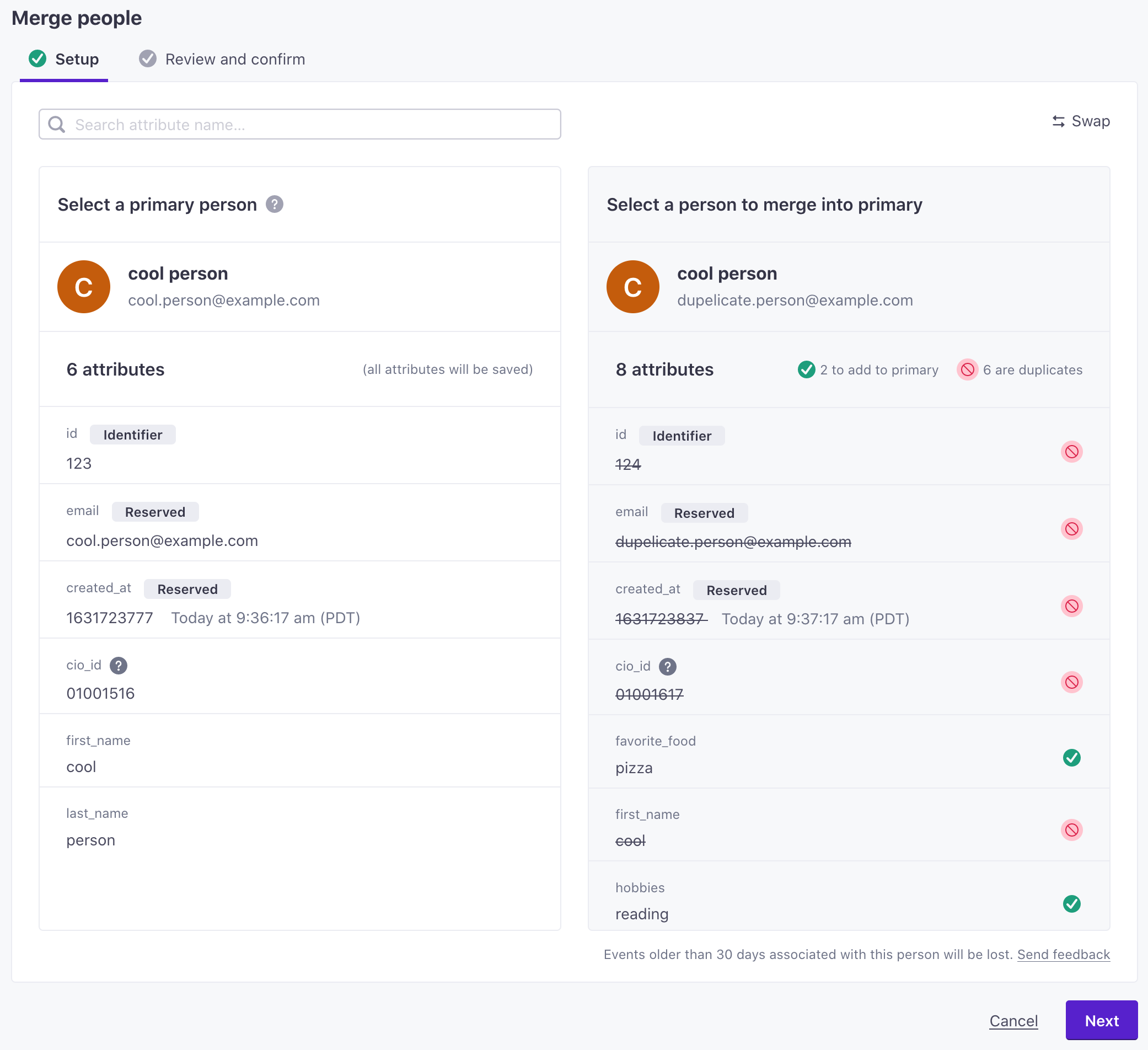
Now, you can merge two people together and resolve duplicates without losing information or historical data associated with two profiles An instance of a person. Profiles start journeys through automations, join segments, and more. You reference a person's profile attributes in messaging using the liquid key customer, like {{customer.email}}.
To merge people, go to the People page and click Merge people. You’ll select a primary person and merge a secondary, duplicate person’s information into it.
See our documentation for more information about merging people and the specific information that we transfer from one person to another in the merge process.