

Send multi-language newsletters the easy way!
If you wanted to send multi-language messages in the past, you needed to write complicated workflow conditions or liquid logic. This release makes it much easier to send people messages in the languages that they prefer.
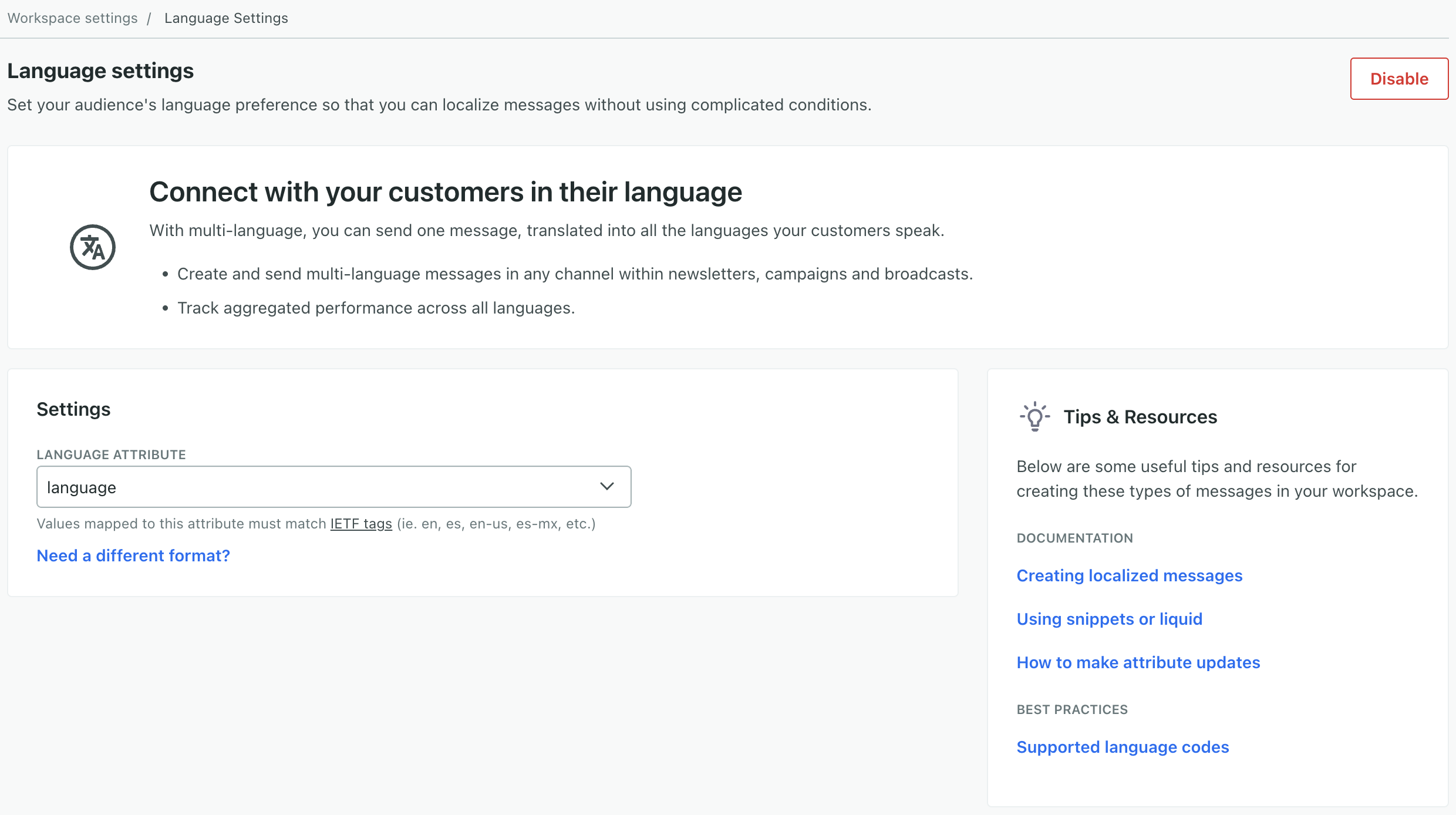
Now, you can specify the attribute that represents your audience’s language preference in your workspace settings. This attribute can be either a language code (like es for Spanish) or a language and country code (i.e. es-ES representing Spanish formatted for people in Spain).
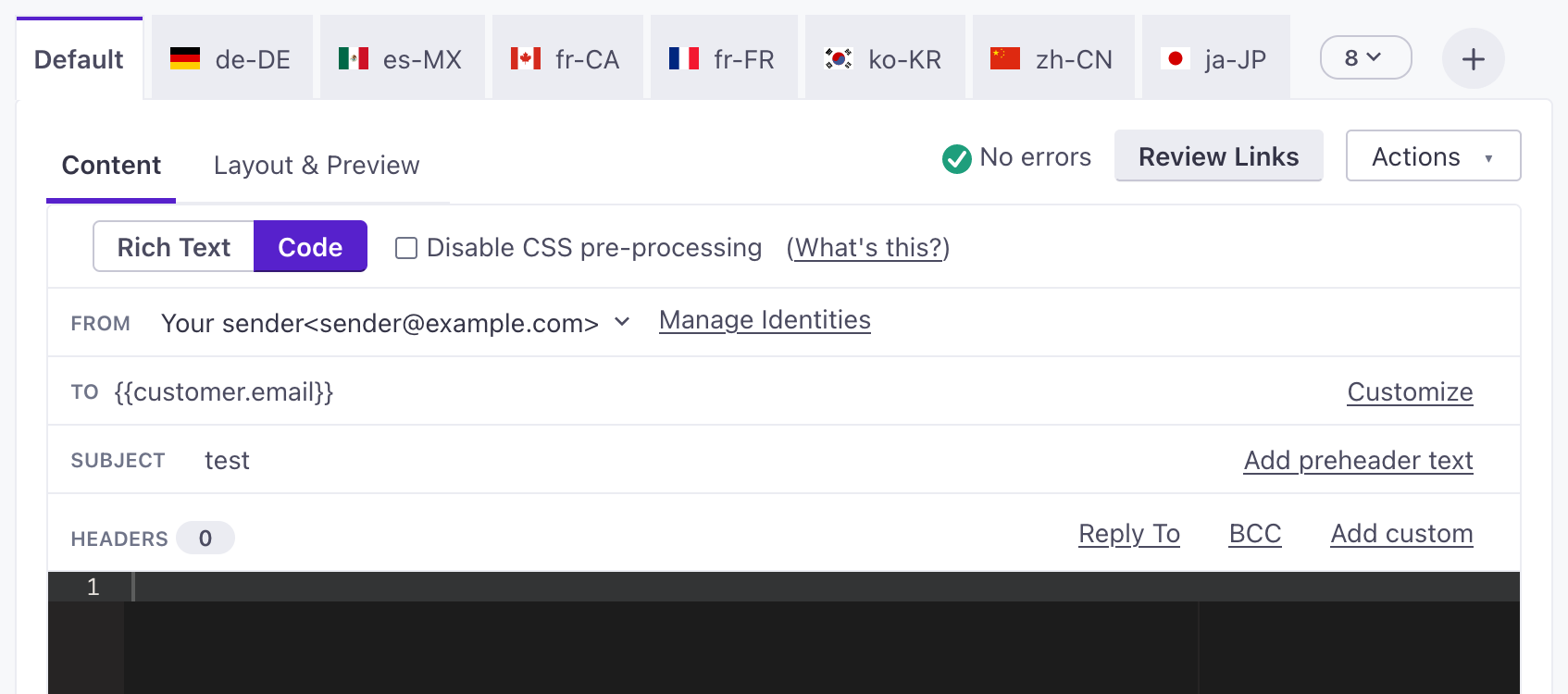
When you write your newsletter, you’ll set up a Default message and click to add languages. When you send your newsletter, people in your audience receive the message matching their language attribute. People who don’t match a language in your newsletter receive the Default message.