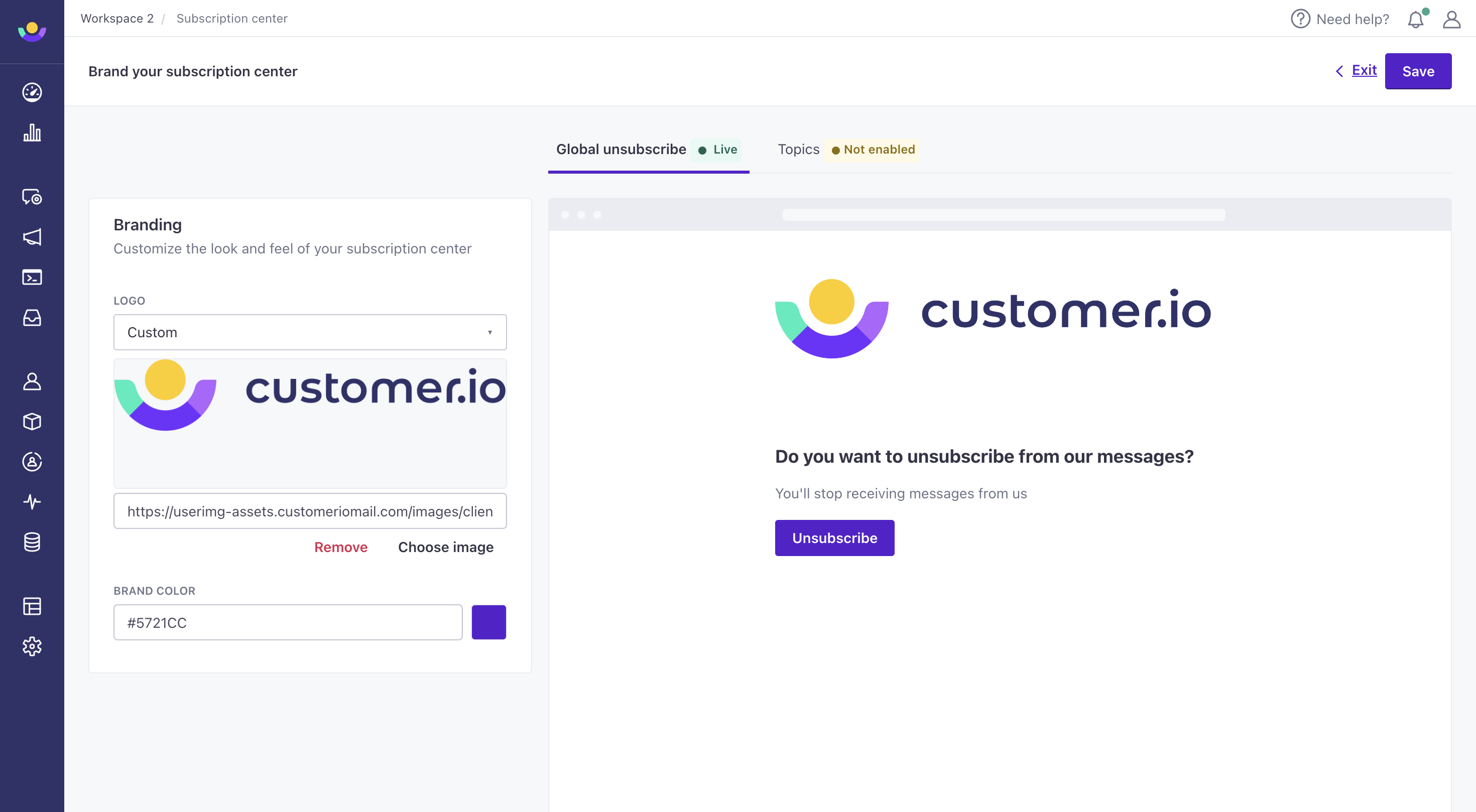
Brand your global unsubscribe page
You can now update the branding of your global unsubscribe page! Go to Settings > Workspace Settings > Subscription Center to add a logo and/or update the background color of your Unsubscribe button. If you have not enabled our Subscription Center, your users will see this page after selecting Unsubscribe.