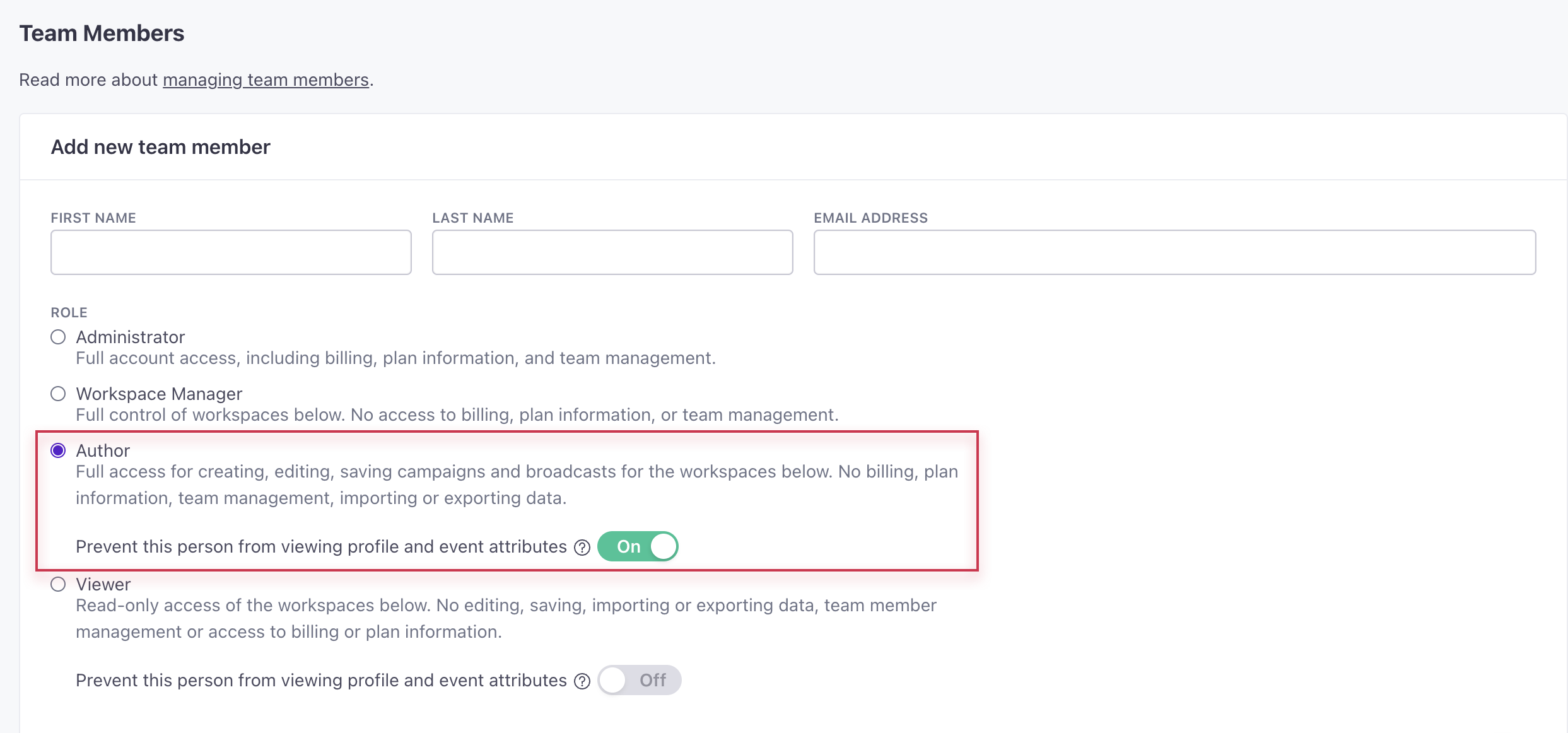
Hide sensitive data for authors
You can now hide attributes and event data from team members with the Author role to limit who has access to personal information in your workspace. Admins can manage this setting in Account Settings > Team Members. When creating or editing a team member with the Author role, toggle on the setting that prevents them from viewing attributes and event data. Authors with reduced access cannot manage segments, objects and relationships, or webhooks. They also cannot edit people or attribute conditions for broadcasts.