Design Studio: Save & edit components from the visual editor
ReleasedYou can now create and save custom components directly from the visual editor in Design Studio! This makes it easier for any team member to manage reusable content like headers and footers.
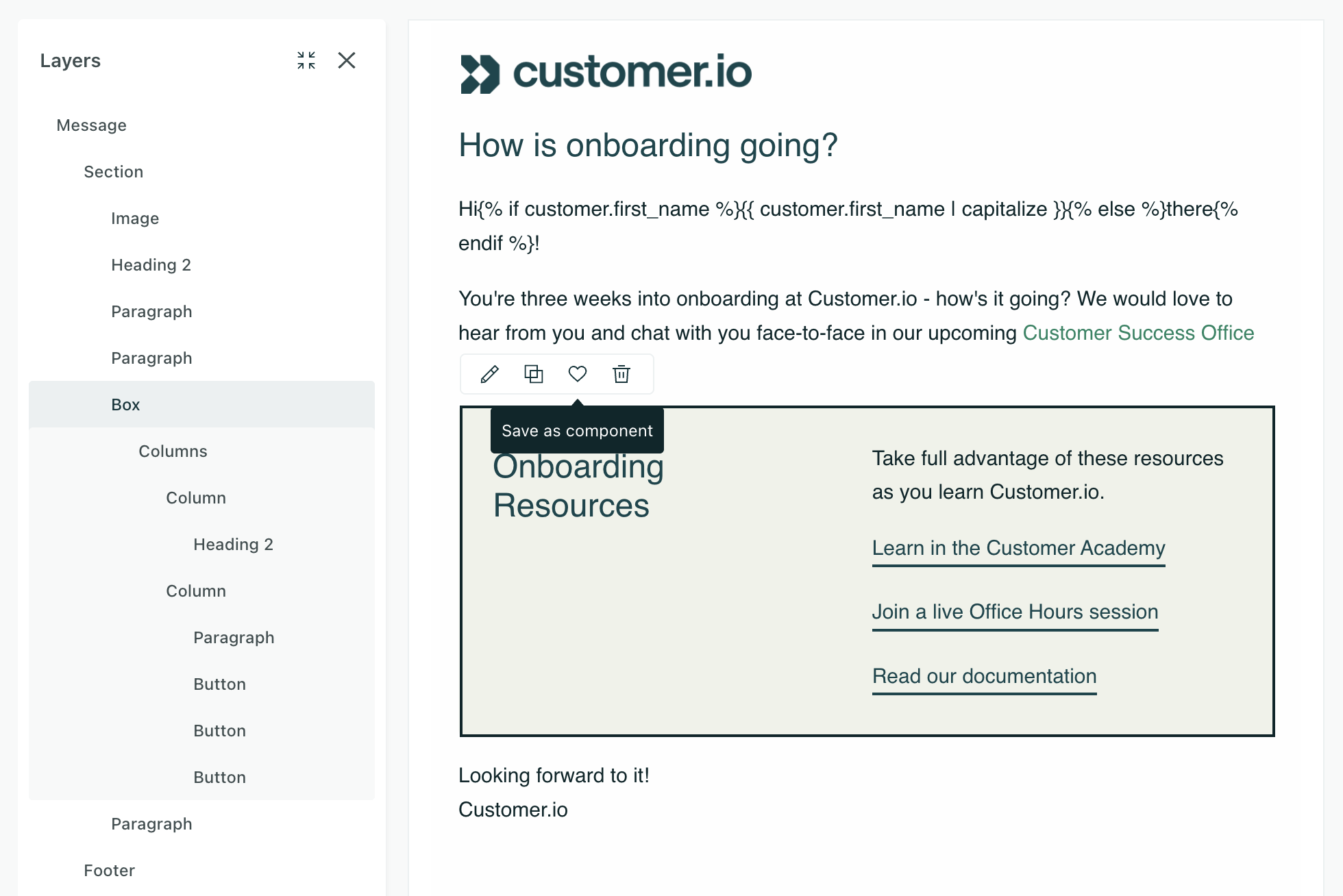
Build a block using components in the visual editor, and then click to save it as a new custom component file. It’s immediately accessible in the Insert menu of the visual editor for reuse across your emails.
You can also detach components from the source file if you want to make changes unique to that email.
Learn more
Copied to clipboard!