Search your workspace with ⌘K
ReleasedNow it’s easier to find what you need in Customer.io without clicking through menus. Press ⌘K (or Ctrl+K on Windows/Linux) from anywhere in your workspace to instantly search for campaigns, segments, templates, broadcasts, and more. AI-enhanced ranking surfaces the most relevant results—even if you don’t type an exact match.
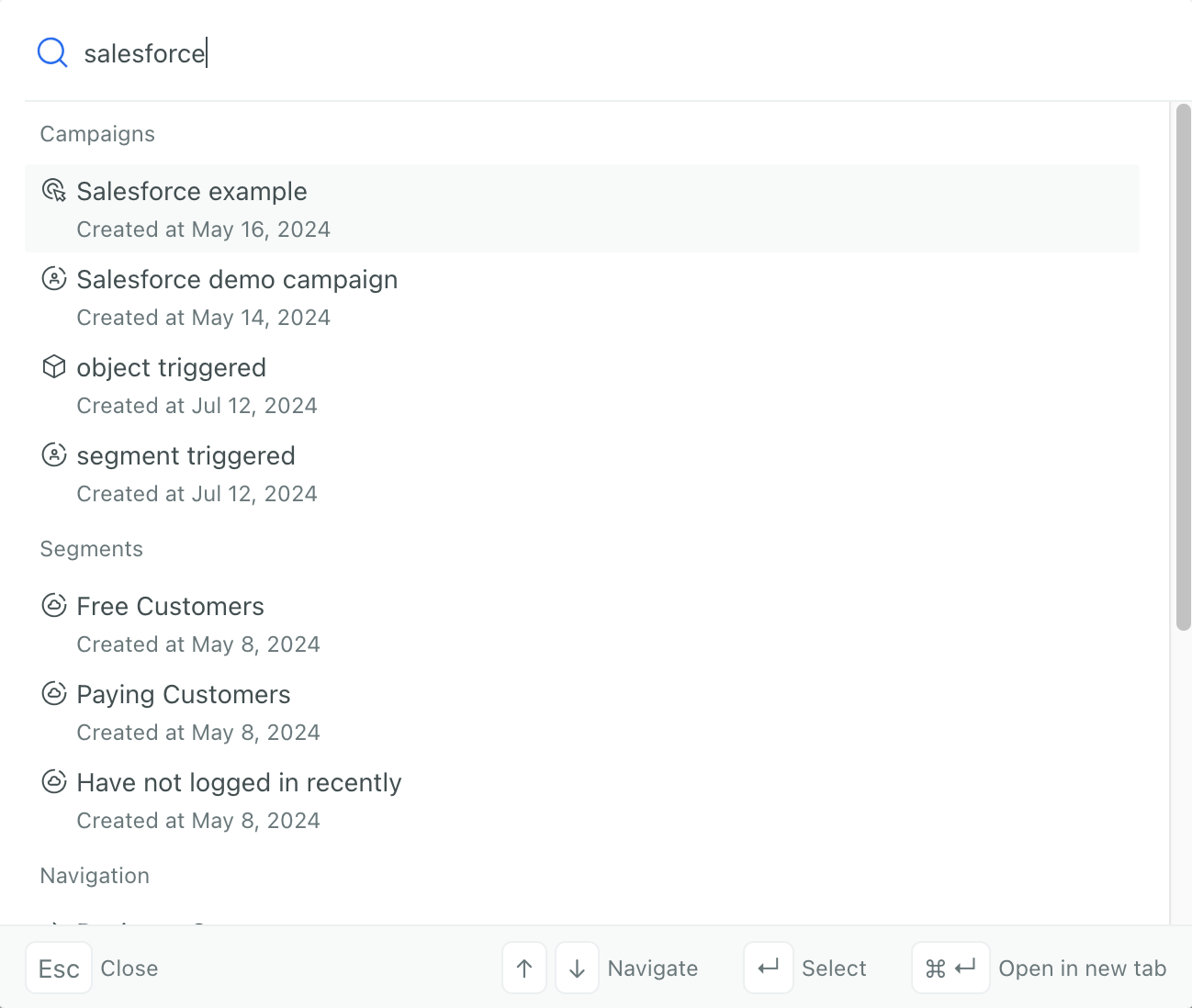
Note that this feature does not search for people, objects, or their data. To find people, you’ll continue to use the activity log, people page, or segments.
Learn more
Copied to clipboard!