

Custom roles: determine who can send messages
You can now specify whether teammates can send messages and start or stop your workflows, like automations. Previously if you could create an automation or broadcast, you could also activate that automation or send that broadcast. With this change, you can give team members the ability to build and edit automations and content without letting them send things, so you can maintain strict control over who can and can't send messages.
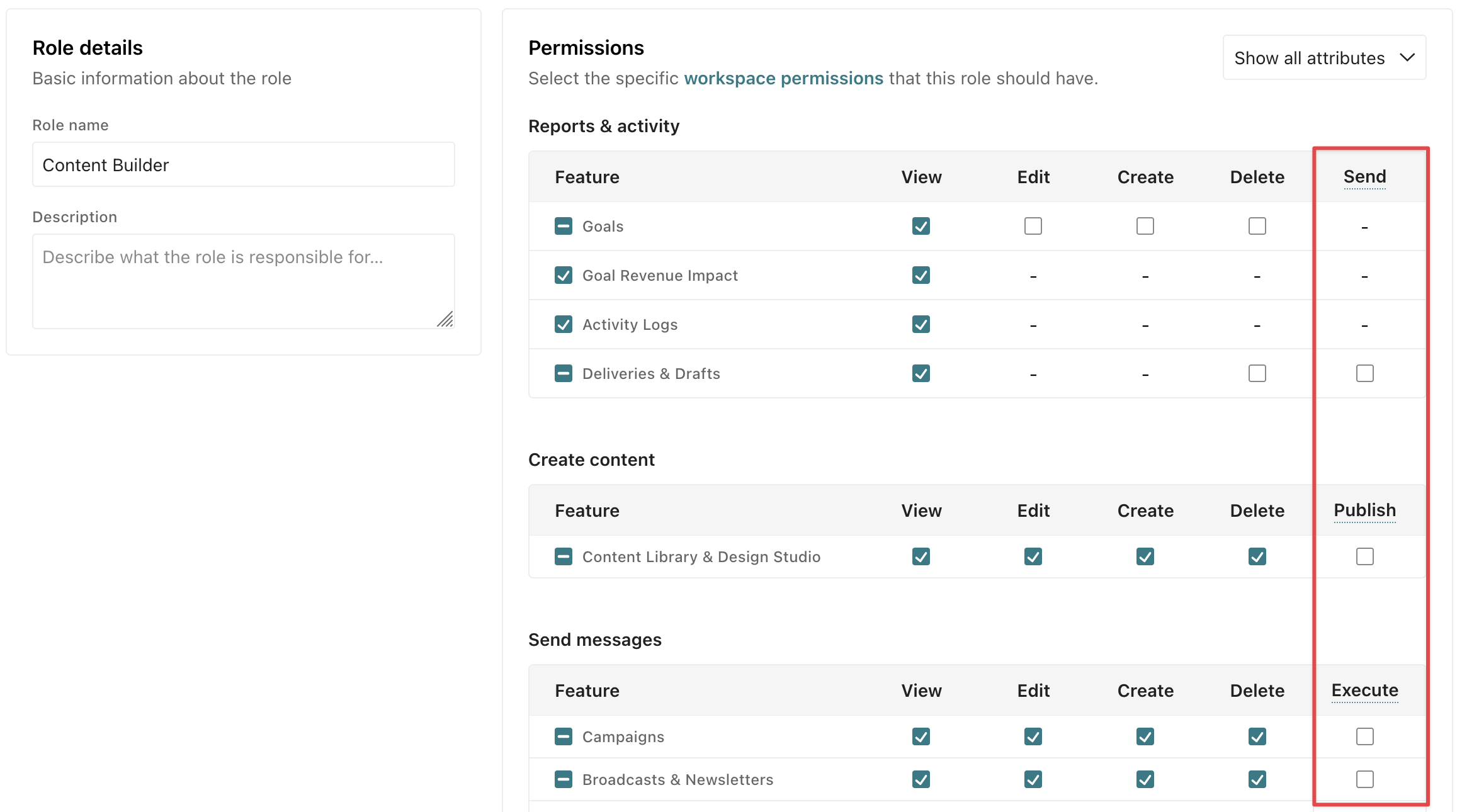
To activate your workflows and send messages, you need the Execute permission for the workflow. To resend deliveries, retry attempted messages, or refire webhooks, you need the Send permission for Deliveries & Drafts and Edit permission for the relevant workflow.
Custom roles created before this release have the same permissions as before—unless you update the role.