Edit multiple components at once
ReleasedYou can now move and style multiple components at once in Design Studio emails and our in-app message editor. This can help you more quickly make a change across your entire message.
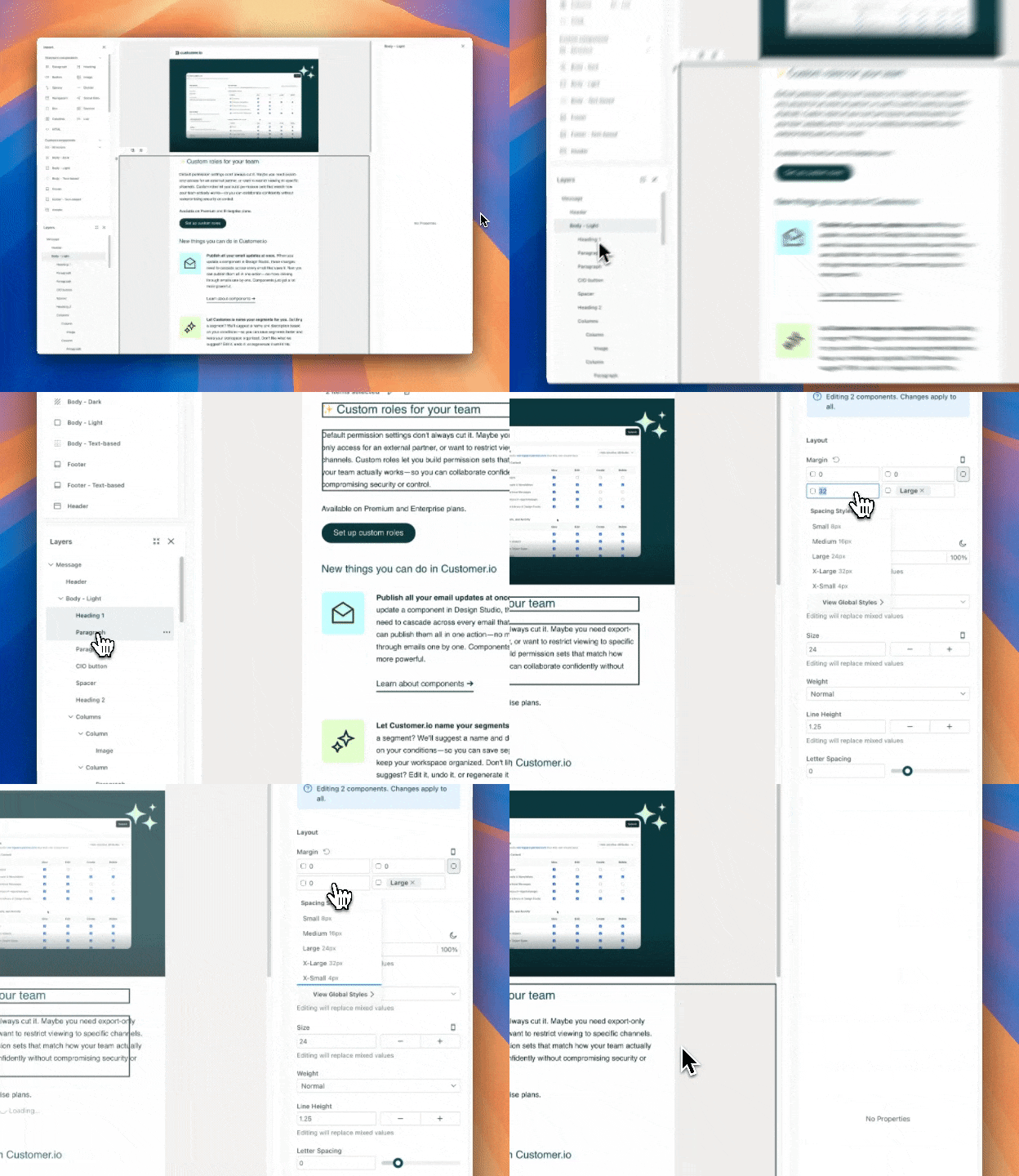
While message creation requires fine-tuning, it shouldn’t interrupt your creative flow. Previously, refining Design Studio emails or in-apps—like the padding on four different buttons—required you to go through a cycle of repetitive, manual adjustments. Now you can do this in a single, fluid motion: click, drag, and change your styles.
To make edits across multiple components, click and drag your cursor on the canvas to select multiple components.
Learn more about editing multiple components in Design Studio and in-app messages.
Learn more
Copied to clipboard!