Set global styles for in-app messages
ReleasedYou can set colors, fonts, and more in Global Styles to ensure brand consistency across your messages. They now apply to your in-app messages, in addition to emails made in Design Studio. We’re in the process of rolling this out to all accounts this week.
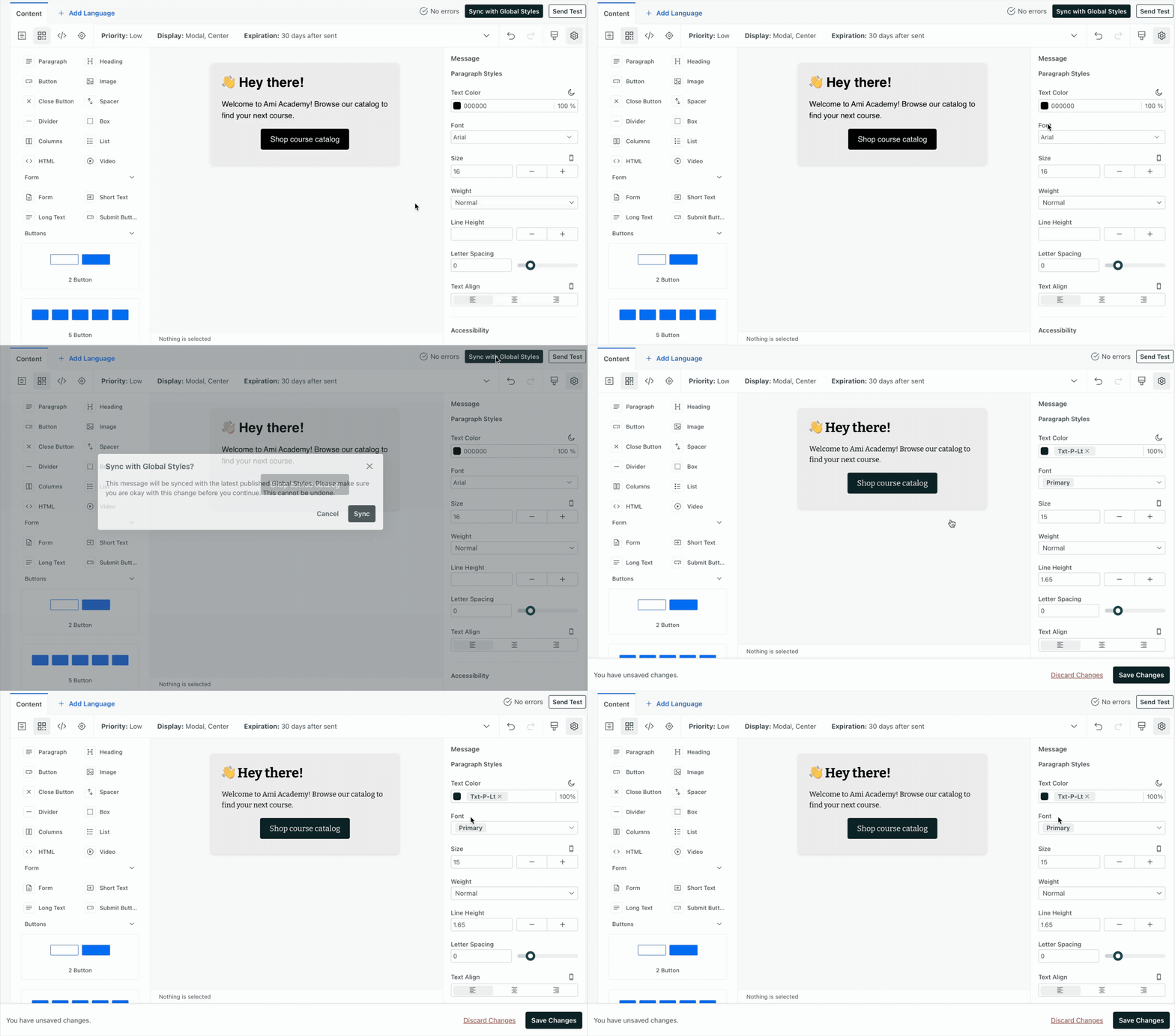
Moving forward, new in-app messages will automatically pull from your global styles, and you can choose to sync existing messages to align them with your current branding.
This release also introduces the concept of publishing to in-app messages. When you publish styles, you decide which emails and/or in-app messages to update. This pushes changes to your workflows (campaigns, broadcasts, etc) so that whether you send a test message or the campaign is actively sending to people, your messages will use the current styles.
Learn more