

Collections have moved to Configure data
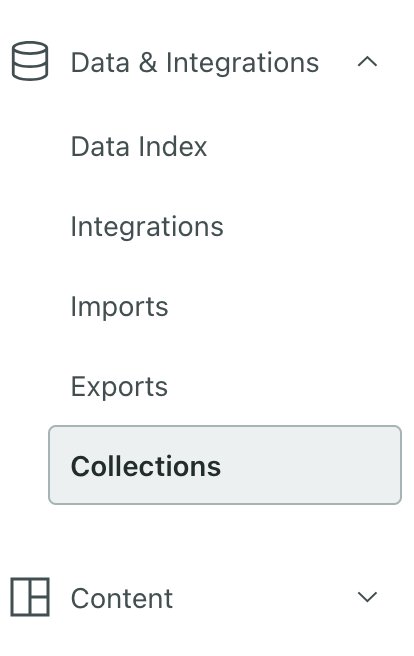
If you use collections, you're probably used to finding them in the Content menu. We've moved them—under Configure data, click More > Collections. They're much more like data you use programmatically than your typical message content, layouts, image assets, and so on. Don't worry: we haven't changed anything besides moving Collections to a friendlier location in our menu.
If you haven’t used collections before, now’s a great time to start! Collections let you store data that you want to use in automations but isn’t necessarily associated with people or objects An object is a non-person entity that you can associate with one or more people—like a company, account, or online course.