

Understand timezone conversion
Not all timestamps in your workspace display in the same timezone. Depending on the type of data you're viewing, your workspace converts timestamps to your current timezone, Coordinated Universal Time (UTC), or Eastern Standard Time (EST).
Overview
Your workspace uses your current time zone for most timestamps with the following exceptions:
- Exports include UTC timestamps.
- Segment
A segment is a group of people in your workspace. Use segments to trigger automations, track membership over time, or fine-tune your audience. There are three types of segments: data-driven, snapshot, and manual. Data-driven segments automatically update when people start or stop matching criteria. Snapshot segments capture everyone who matches at a point in time and only change when you refresh them. Manual segments are static groups of people.
pages show metrics based on UTC. - Other Metrics and graphs show times in Eastern Standard Time (EST).
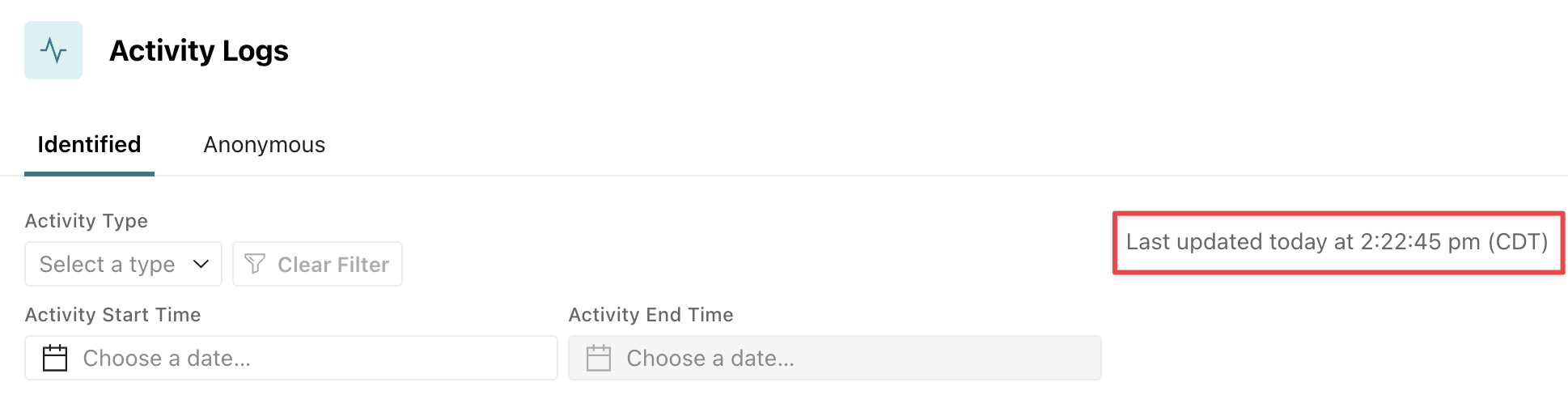
Where we can, we show the full date and time in your timezone:
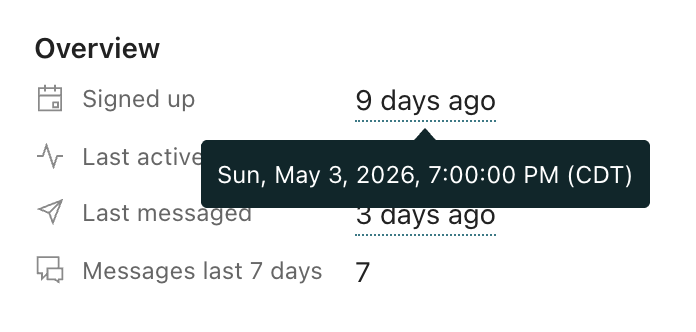
For shorter timestamps, you can hover over them for more info:
Daylight savings vs standard time
You may notice that some times show EDT, PDT, etc but others show as EST, PST, etc respectively. The difference is merely whether the activity happened in daylight savings time (EDT) vs standard time (EST).