

Inbox preview credits
Inbox preview credits are the currency for email inbox previews in Design Studio. Learn how credits work and how to manage your inbox preview credit usage.
How it works
When you generate an inbox preview for an email in Design Studio, you use Inbox preview credits. Accounts on paid plans have access to inbox previews, trial accounts cannot use the preview feature.
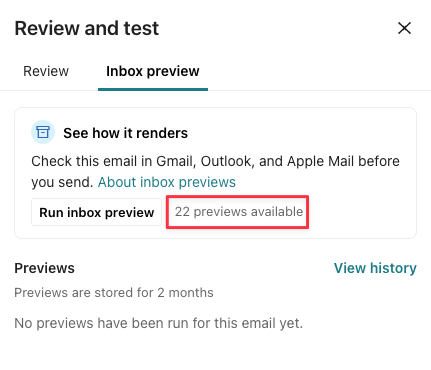
Accounts on any of our paid plans get 25 no-cost inbox previews per monthly billing cycle (not calendar month), shared across the whole account (not per teammate). You can see how many credits you have left from the Design Studio editor. Click Review, and select Inbox preview.
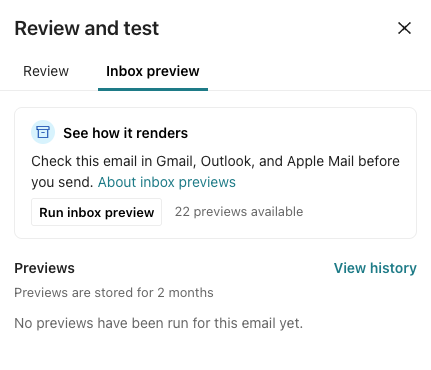
These are the situations when generating previews use credits:
- After you choose the email clients and click Send for previews, each selected preview uses a credit. Previewing one email across 10 clients uses 10 preview credits.
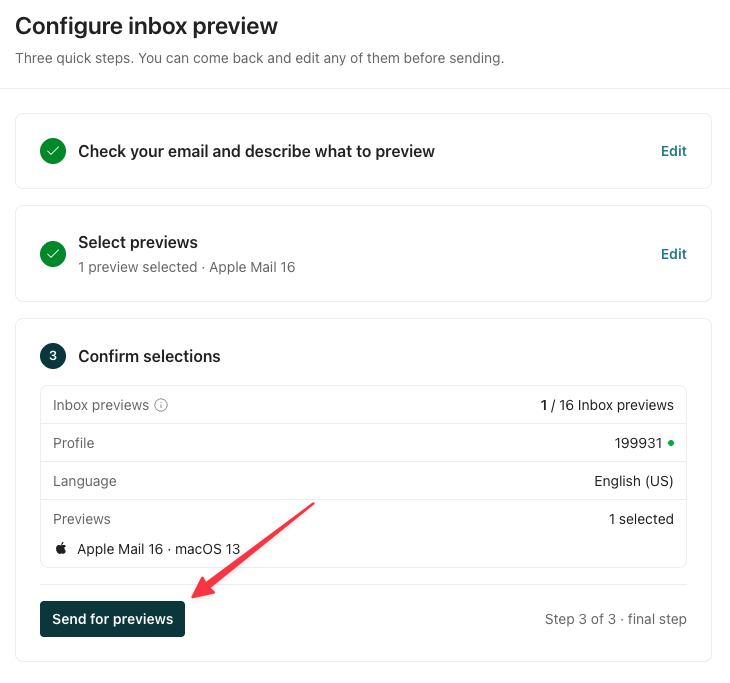
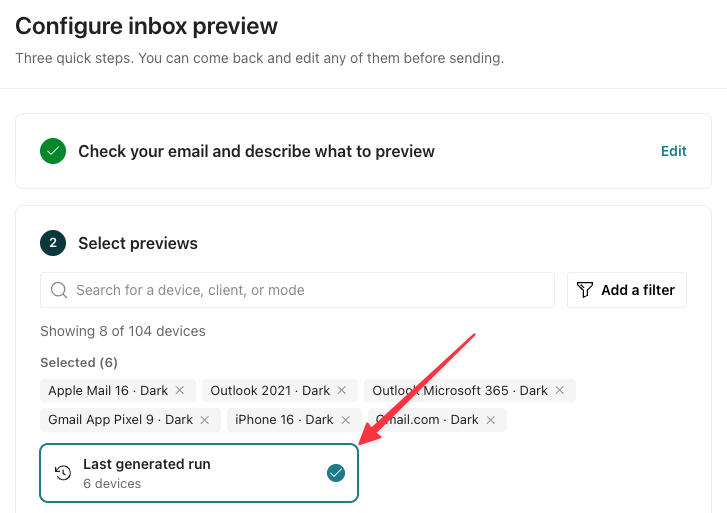
- If you click Last generated run and then send for previews, this only uses up credits if any of the previews was generated five or more days ago or was edited since the last generation. Re-generating recent, unchanged previews doesn’t use additional credits.
Viewing generated previews never uses your credits, and previews last for two months.
Monitor credit usage
If you use up your 25 free inbox preview credits, you must buy more inbox preview credits to continue generating previews. You have to proactively add funds to continue using the feature; we don’t charge overages for inbox previews.
You can monitor inbox preview credit usage through Design Studio and your billing page. In Design Studio, you see the number of previews remaining.
On your Plans & billing page, you can see your account’s remaining monthly free previews and purchased credits:

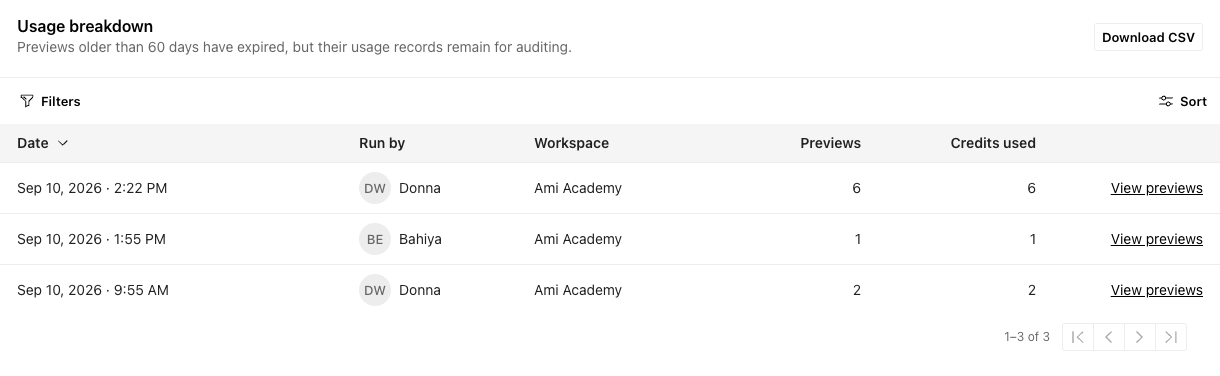
From the billing page, you can drill into usage by clicking the Inbox preview usage tab. This page shows you which teammates used inbox preview credits in which workspaces, when, and what they cost across this account. Though previews expire after 2 months, you can track them alongside more recent previews under Usage breakdown.
Purchase additional credits
Accounts with paid plans automatically get 25 no-cost inbox previews per monthly billing cycle. If you would like to purchase additional inbox preview credits, you can purchase additional inbox preview credits from your Plans & billing page.
The 25 no-cost previews per month do not roll over; you use it within the monthly billing cycle or lose it each month. However, credits you purchase never expire. After you use up your free monthly previews, your account uses your purchased credits.