

Transform data to support data-out integrations
How it works
By default, we automatically map traffic from integrations based on our Track API to our newer Pipelines APIs to support downstream integrations—services outside of Customer.io. But, if you want more control over how we map incoming data to your workspace, you can edit your workspace’s actions A block in an automation workflow—like a message, delay, or attribute change.
Be careful: changing the default workspace mappings can prevent data from showing up in your workspace.
flowchart LR
a(Incoming<br>Track API Call)-->b{"Are actions edited?<br>(not recommended)"}
b-->|no, process track<br>calls normally|c(Customer.io<br>processes call)
c-->d(Transform to<br>Pipelines API)
d-->e(Send traffic<br>to destinations)
b-.->|"yes, transform<br>call first (advanced)"|h(Transform to<br>Pipelines API)
h-.->i(Customer.io<br>processes call)
i-.->e
Edit your workspace’s actions
Updating your workspace’s actions determines how we handle incoming data, including whether we process it at all. While you can change the default mappings, keep in mind that changing mappings affects the data that goes to your workspace!
- Go to Integrations.
- Hover over the icon in an integration that sends data to Customer.io and then select your workspace’s name.
- Go to the Actions tab.
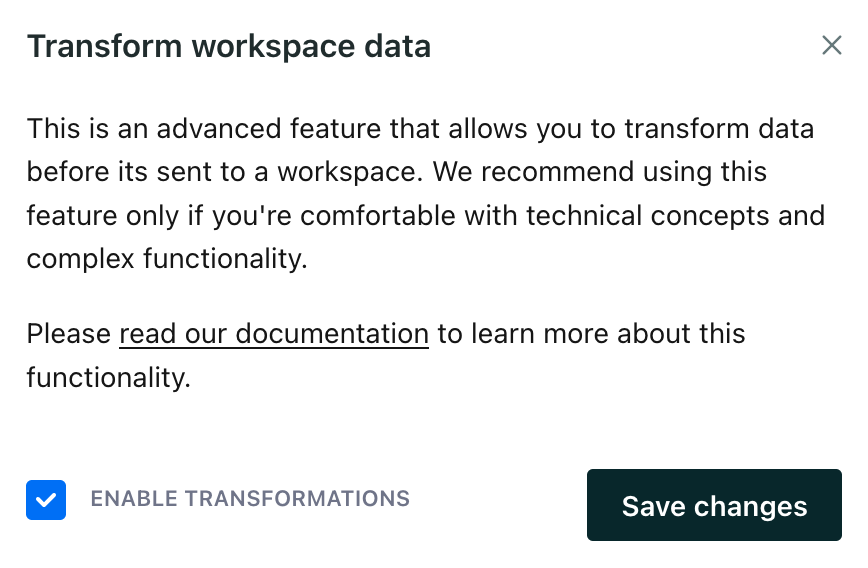
- Click and click Edit to change an action.
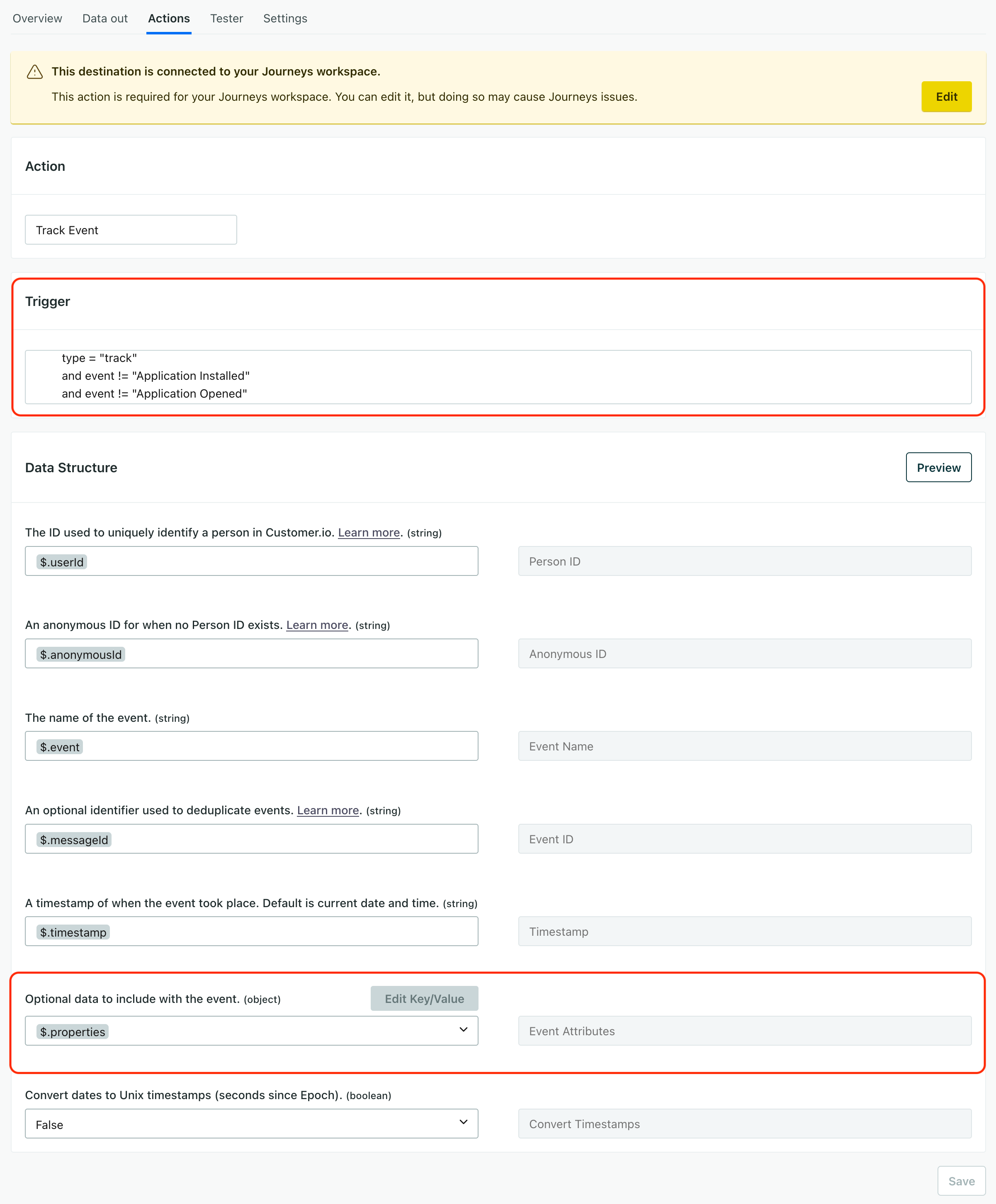
- From here, you can edit or add actions—including filtering the calls that go to your workspace. For example, you may want to handle an event with a specific name differently from other events. When you edit an action, you can change:
- Trigger: the conditions that trigger the action. Common conditions include the
type(liketrackoridentify), theeventname, or an Event Property. - Data Structure: the transformations for data matching the trigger. In general, most changes are typically limited to the Optional Data section—additional properties or attributes you want to set when we receive an event or a call matching your trigger conditions.
- Trigger: the conditions that trigger the action. Common conditions include the