Quiet hours: send SMS messages only during each recipient's sending hours
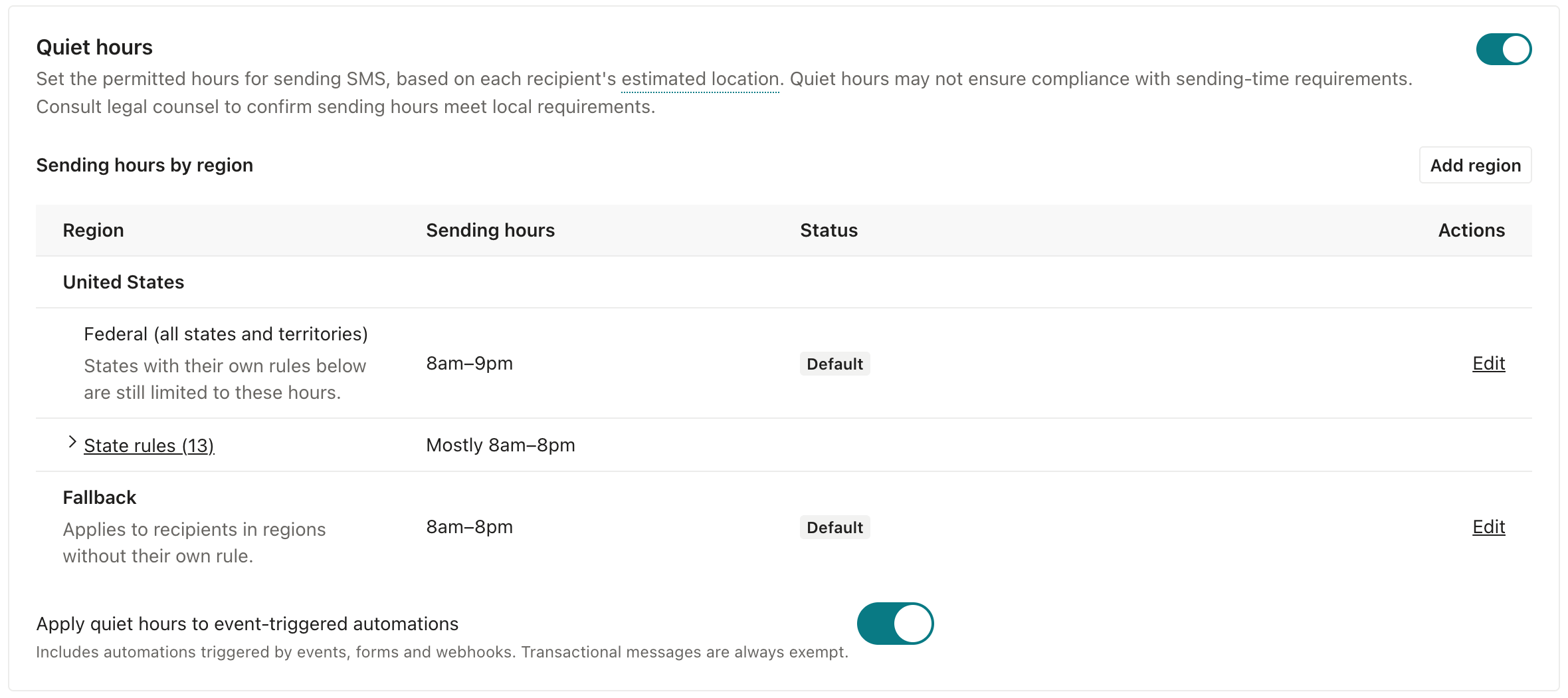
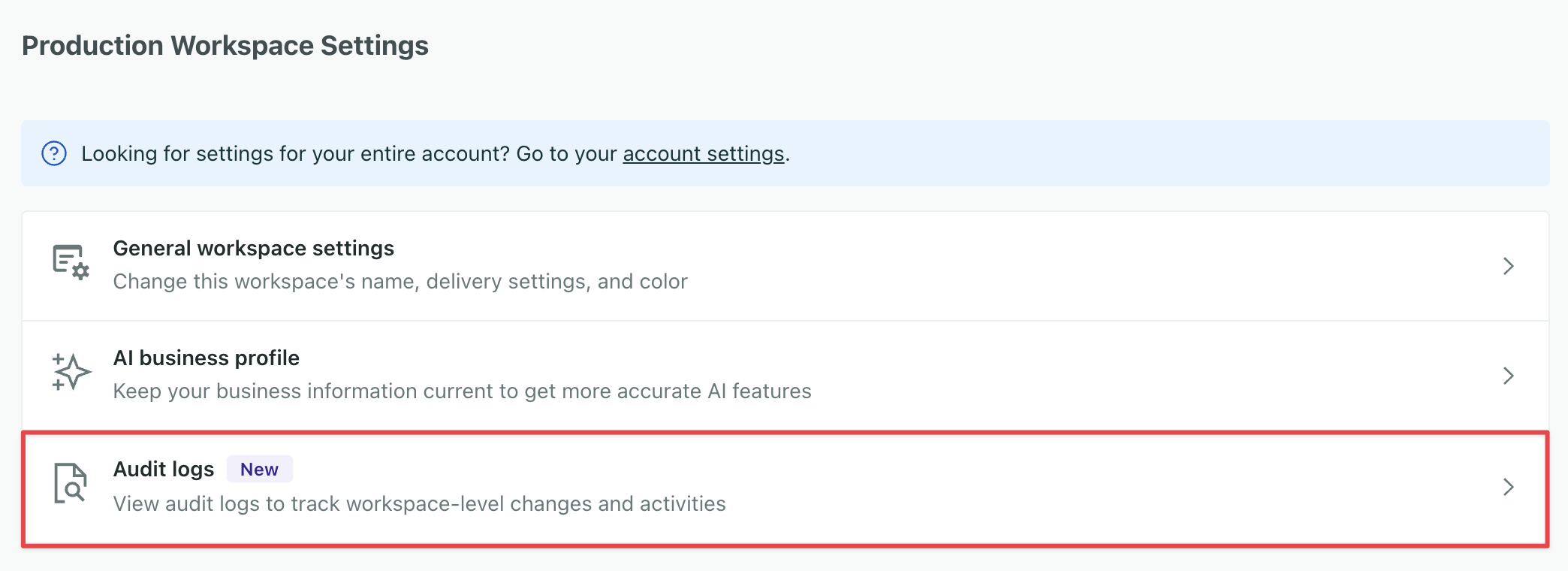
Quiet hours hold your SMS messages until the recipient's local sending hours begin, helping you respect your recipients' time and local laws. You turn them on once for your workspace, and they apply to SMS/MMS messages in your automations, broadcasts, and one-time sends.
Customer.io works out each recipient’s region and local time from their phone number. If a text comes due outside that region’s sending hours, Customer.io holds it and sends it when the hours begin. You start with default hours based on US federal and state rules, and you can change the hours or add your own for any country or US state.
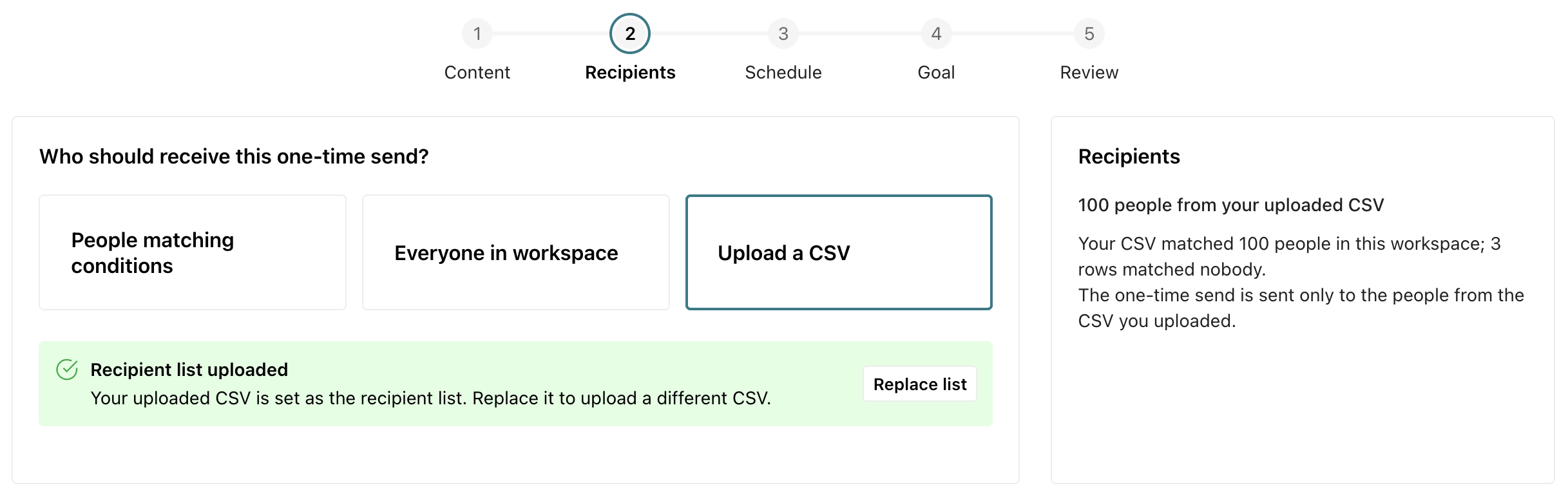
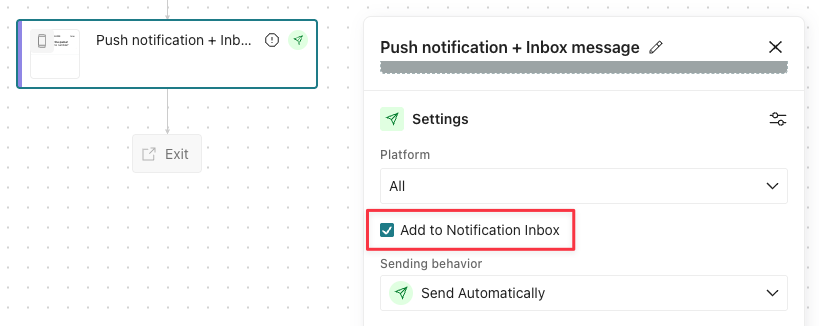
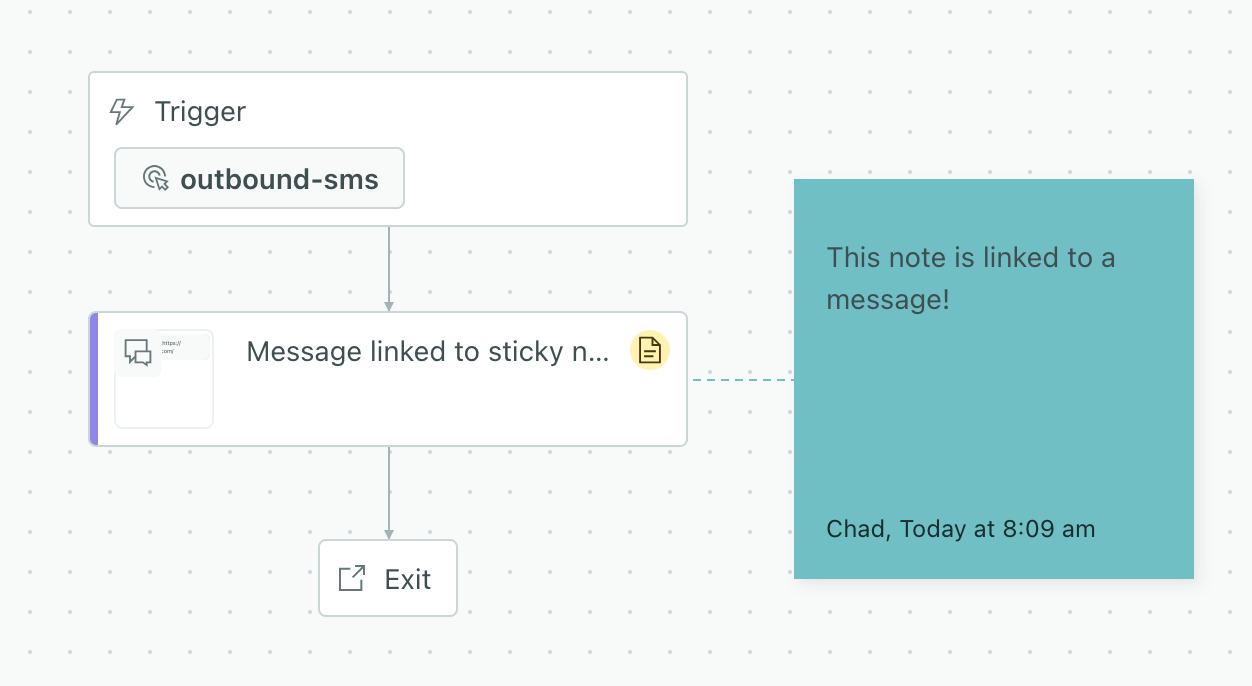
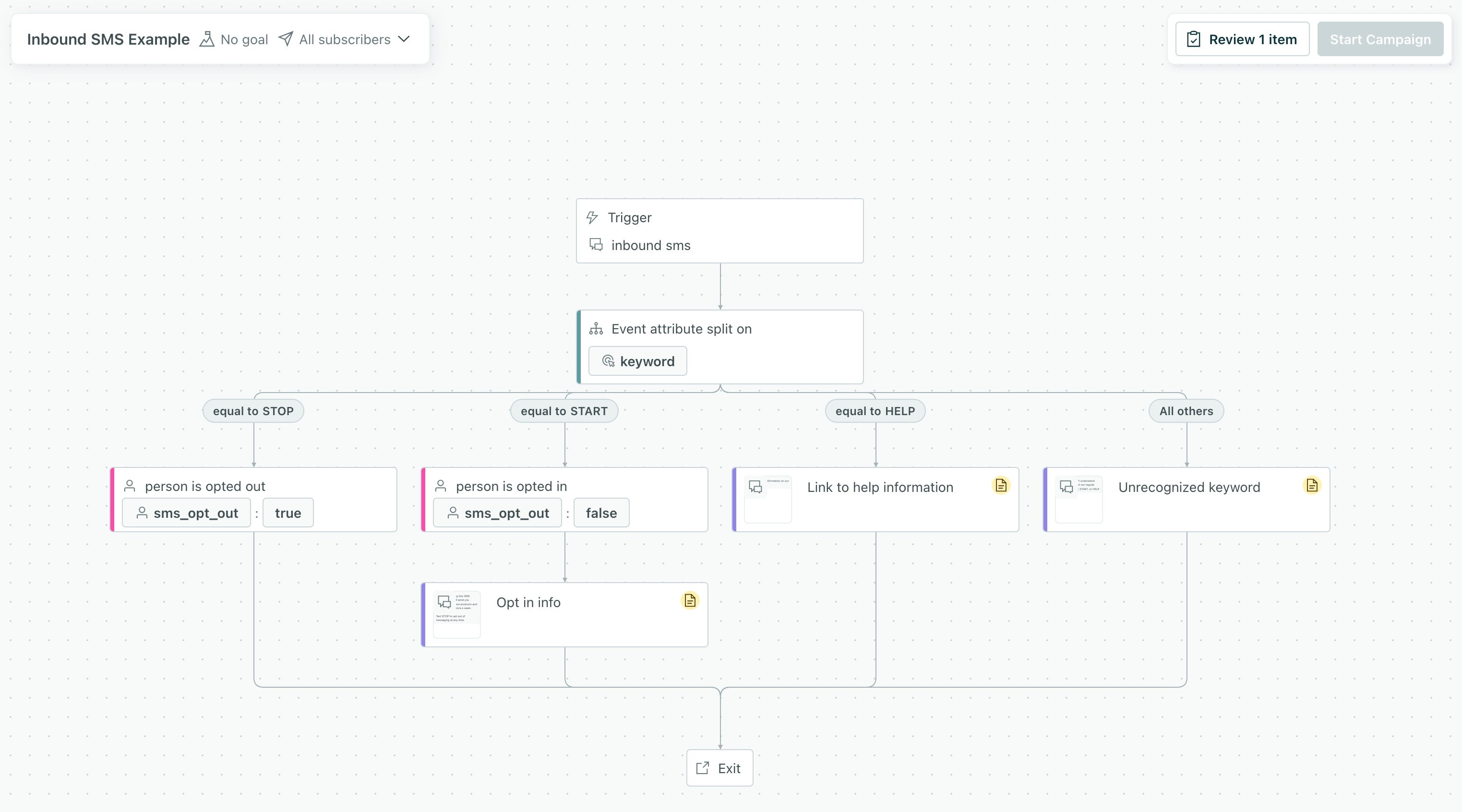
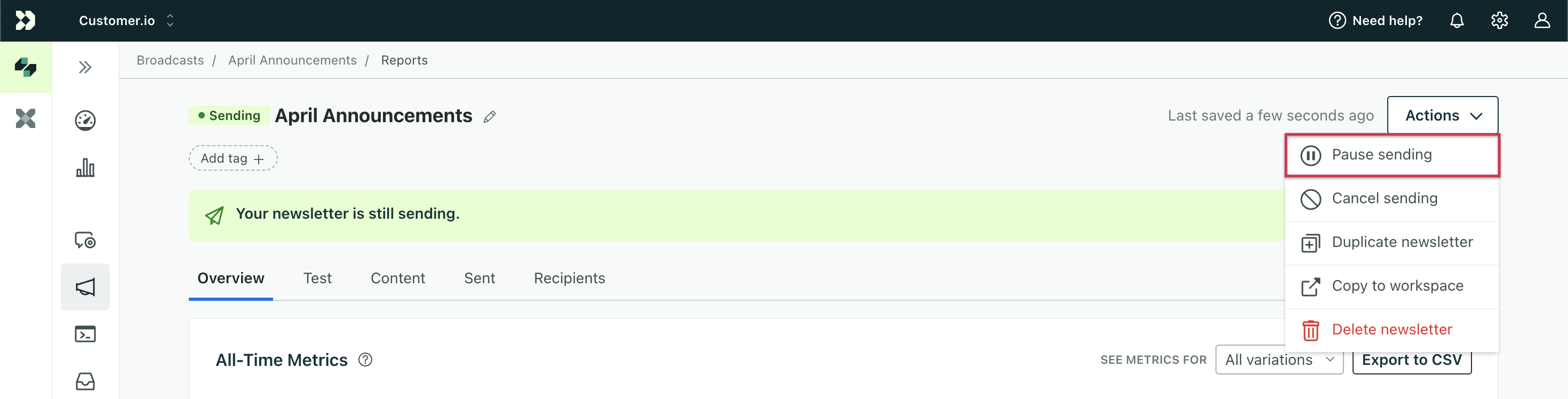
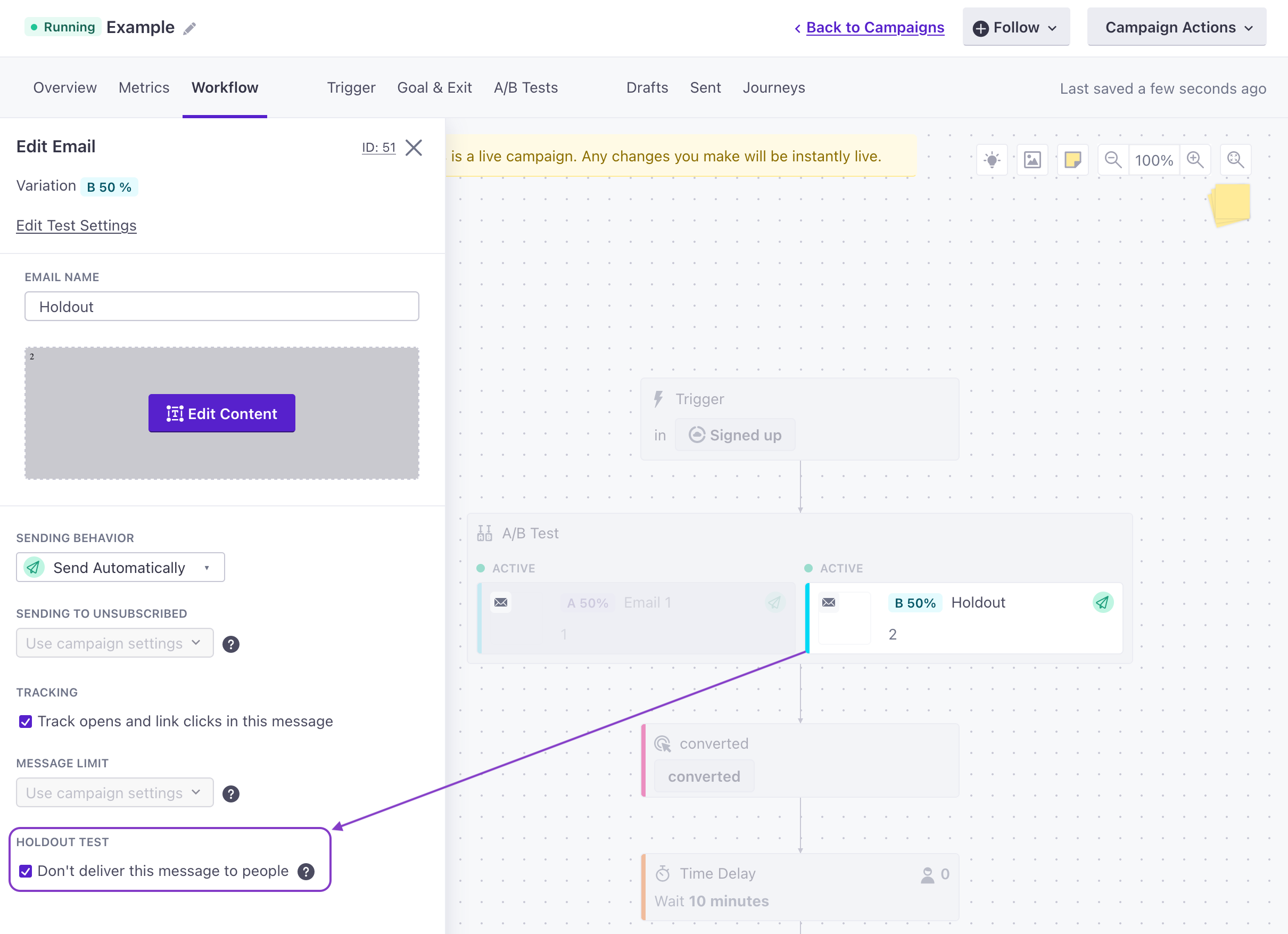
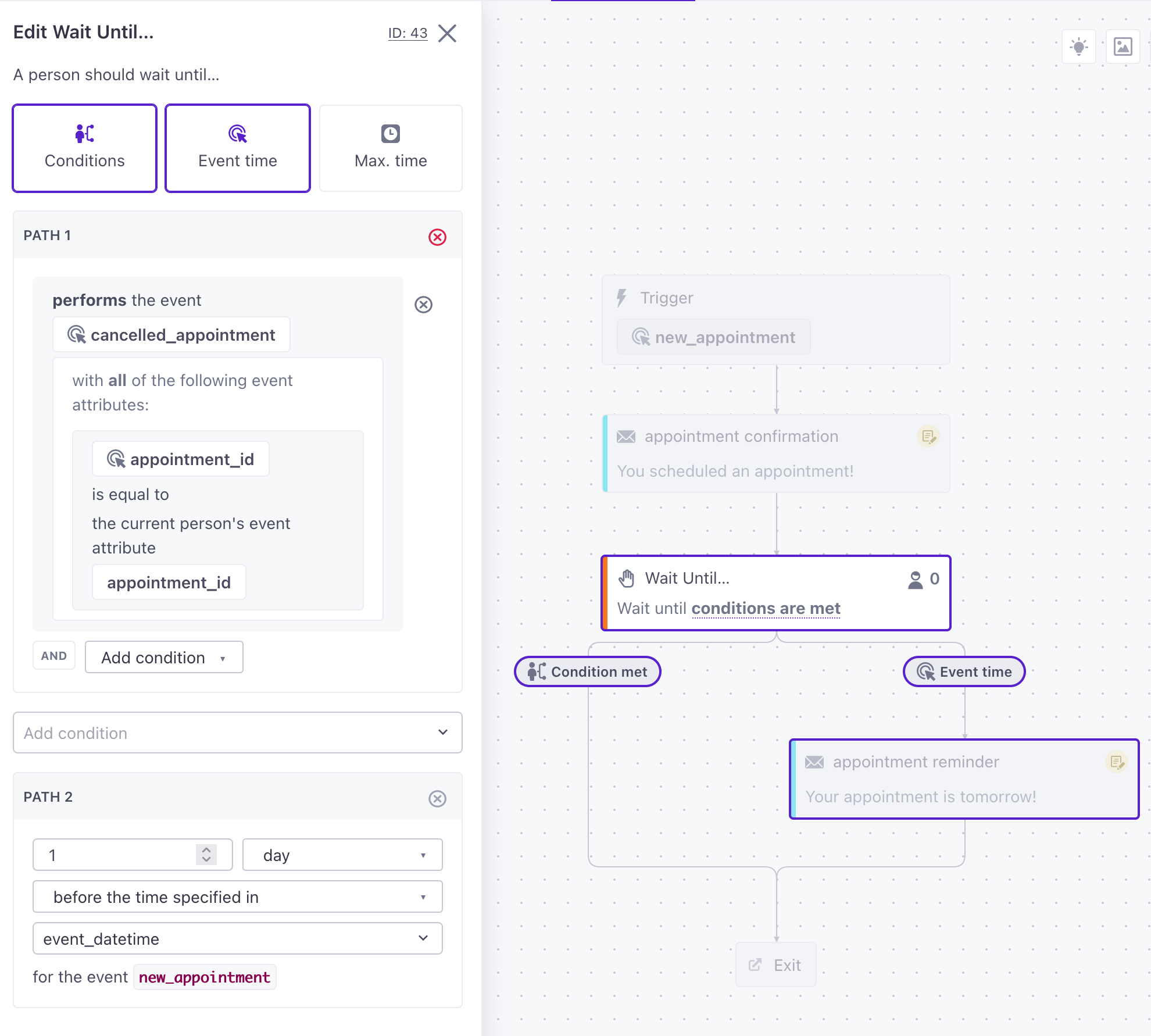
Transactional messages are exempt from quiet hours. You can also exempt event-triggered automations, a single one-time send, or an individual message in your workflow—situations where a recipient might want or expect a message outside of their sending hours. You’re responsible for making sure your sending hours follow the laws that apply to your messages.