

Objects
Not to be confused with JSON objects, an Object is a way to group people, like an account that people belong to, online courses that people enroll in, or recreational leagues that people can join.
This page covers object types and objects. Object types are the kinds of non-people things that you want to track in Customer.io—like companies, online classes, accounts, etc. An object is an individual thing—a single company, online class, or account—that you want to relate to one or more people.
How it works
Objects let you group and relate data to people in your workspace, like accounts that people belong to, flights they’ve booked, or online courses they’ve enrolled in. Objects show up in the menu under People.
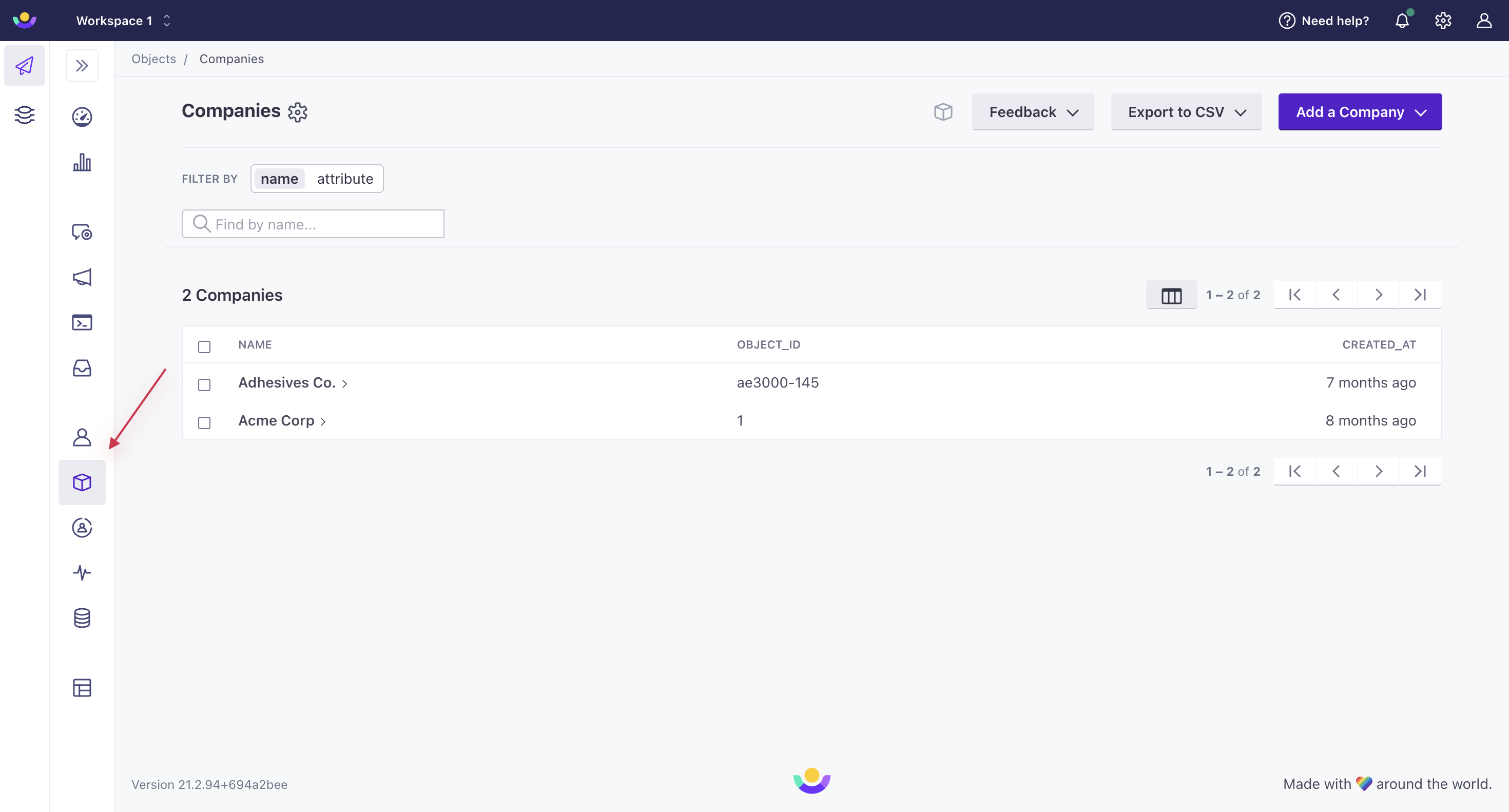
Each object has its own attributes A key-value pair that you associate with a person or an object—like a person's name, the date they were created in your workspace, or a company's billing date etc. Use attributes to target people and personalize messages. A syntax that supports variables, letting you personalize messages for your audience. For example, if you want to reference a person's first name, you might use the variable {{customer.first_name}}.
For example, you might message administrators of accounts to notify them when their accounts upgrade their plans. Without objects, you’d need to set attributes or send an event for every individual member of the account. But with objects, you can handle this one-to-many relationship the easy way.
Quick Start
If you’re ready to try things out right away, here are the high points:
- Go to Custom Objects in the side menu to get started.
- Create an object type.
- Create one or more objects.
- Relate your objects to people.
- Trigger automations based on changes to objects or relationships.
- Check out how to reference objects in liquid.
You can also segment users by their relationships to objects.