

Use your Mailjet account
You can use your Mailjet account to send email through Customer.io with no loss in functionality. To take advantage of Mailjet, you need to do two things:
Point Mailjet’s webhooks at Customer.io
-
Go to the Mailjet event triggers page.
-
Add the webhook URL corresponding to your region for all events except Open and Click.
- US:
https://track.customer.io/mailjet/events - EU:
https://track-eu.customer.io/mailjet/events
- US:
If you want to track opens and clicks via Mailjet and not Customer.io, you can change tracking settings on an email by email basis.
Configure custom SMTP settings
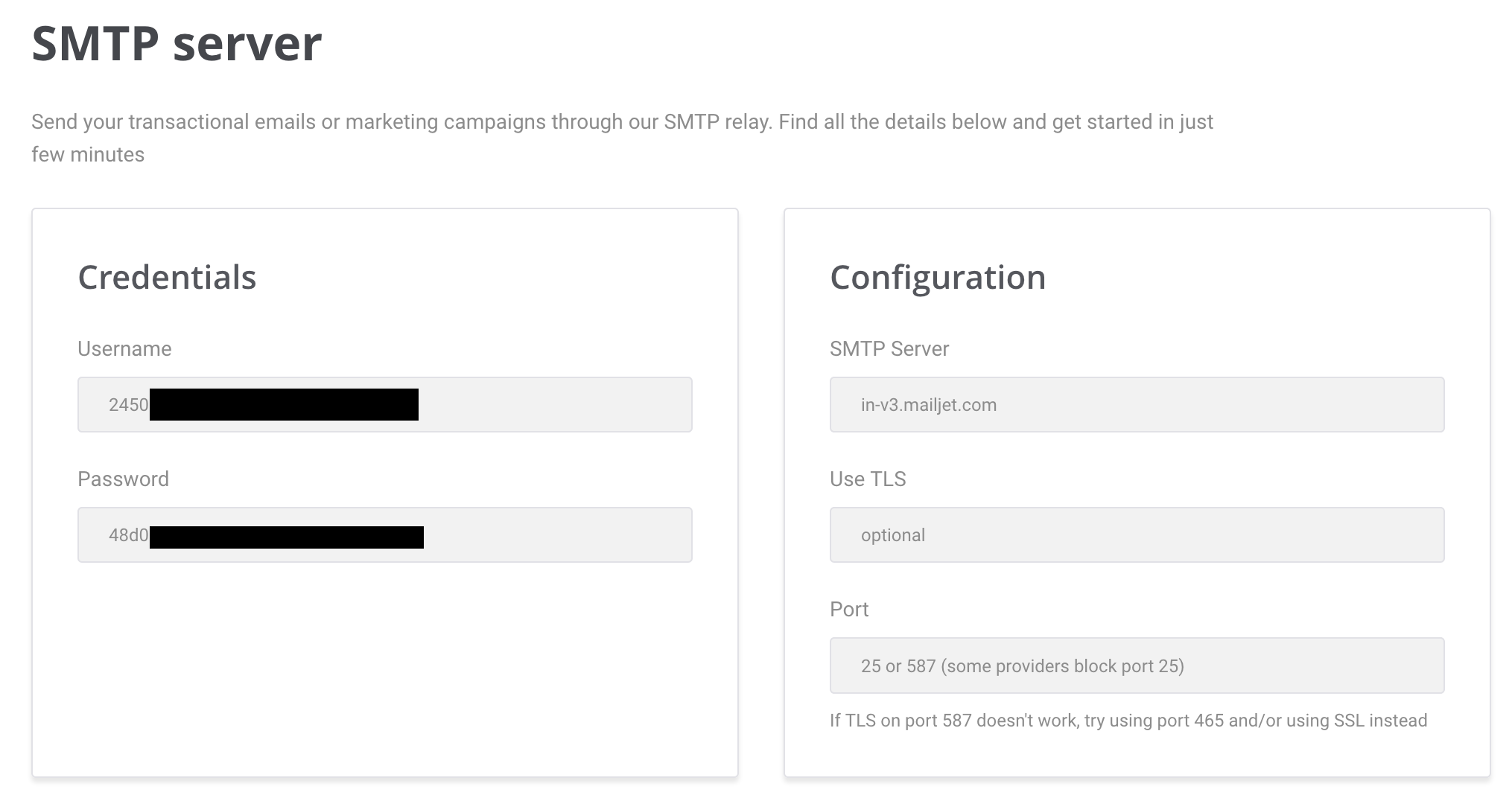
Before you begin, you need your Mailjet SMTP credentials. This integration uses port 587. If you need to use a different port, you should use a custom SMTP integration.
-
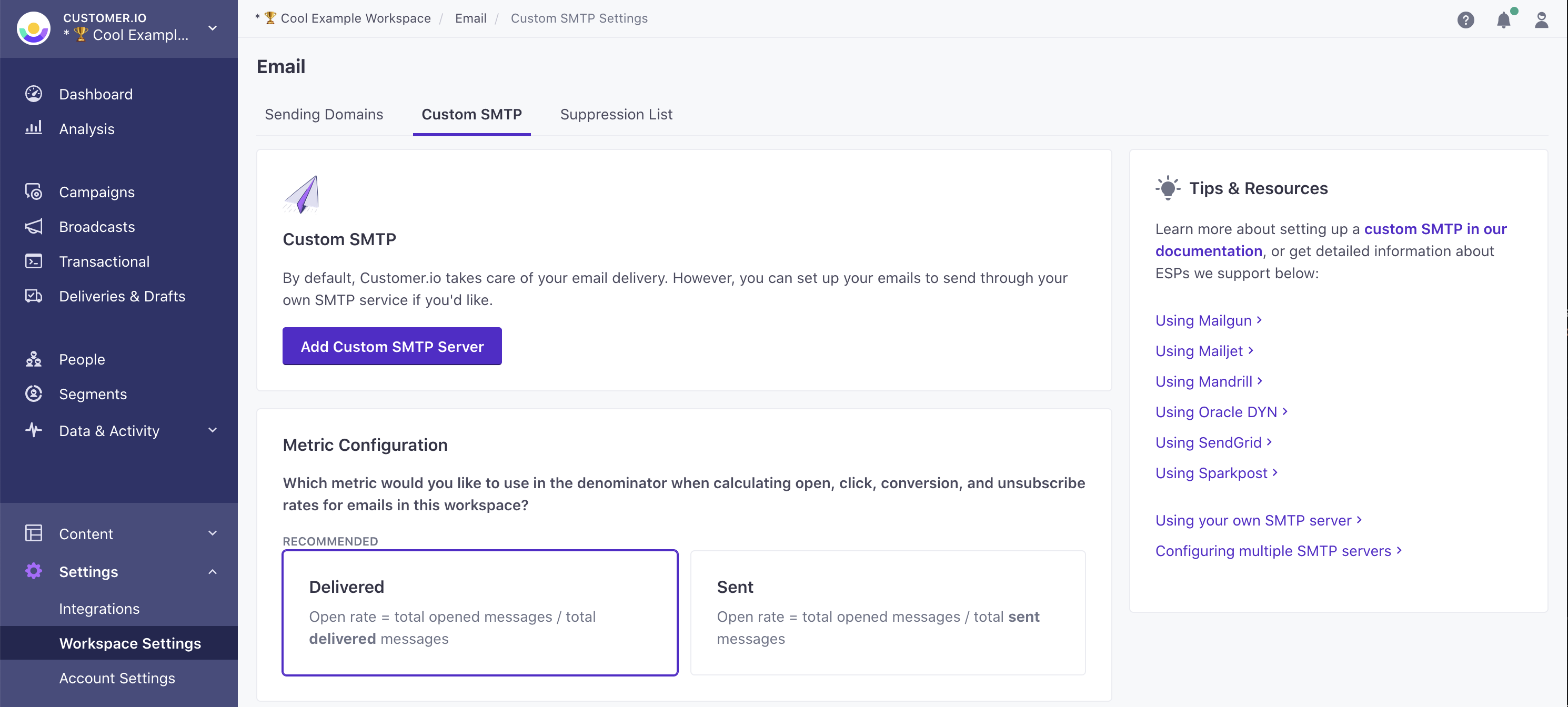
Click Email, click Custom SMTP Settings, and then click Add Custom SMTP Server.
-
Select Mailjet and click Continue to set up.
-
If you haven’t set up webhooks yet, copy the URL on the Set up webhooks tab and then set up webhooks to report message metrics in Customer.io.
-
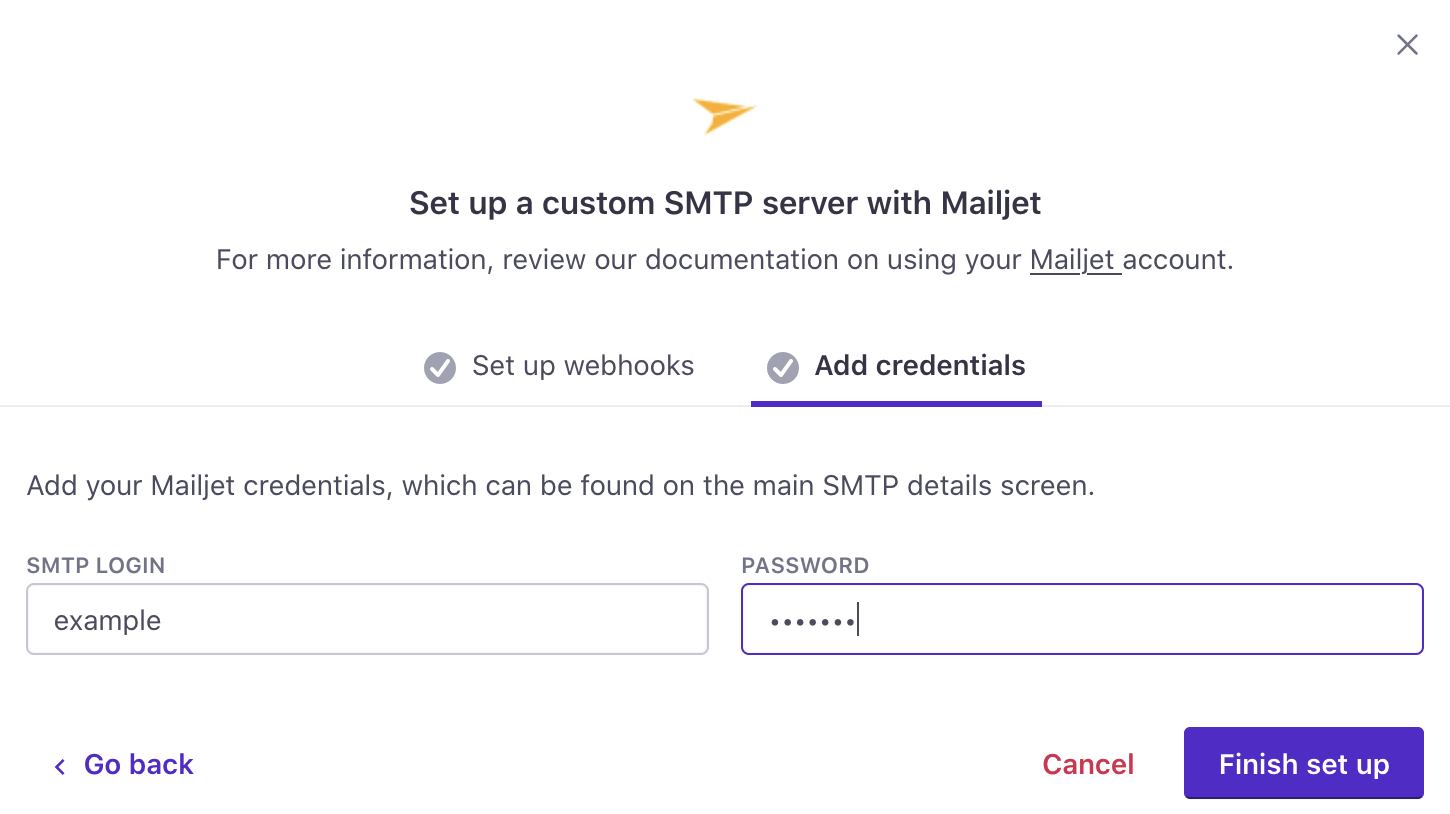
Click Add Credentials and enter your Mailjet credentials.
-
Click Finish set up. Your account is now set up to send email through Mailjet. If you have any questions or feedback, contact us and we’ll be happy to help!