

Test push notifications
When it comes to testing your push configuration and messages for quality assurance (QA) purposes, we recommend that you keep separate development/test and production workspaces—especially if your workspaces don't share configuration credentials.
For example, if you have an iOS app, you may have a sandbox environment set up to test your push notifications before you start your automations. This often has the same certification credentials as your production environment. We still recommend setting up a separate test workspace with the “Send to sandbox” option turned on:
.png)
To send any type of test message, you’ll need a device token. Here’s how to find one.
Find your device token
Go to People, click your test user, and go to the Devices tab to find your device token. Hover over a device and click to copy the token to a push notification.
.png)
Test your configuration
From Workspace settings > Push, find the Testing section. Then choose the platform you want to send a test message to and add a device token.
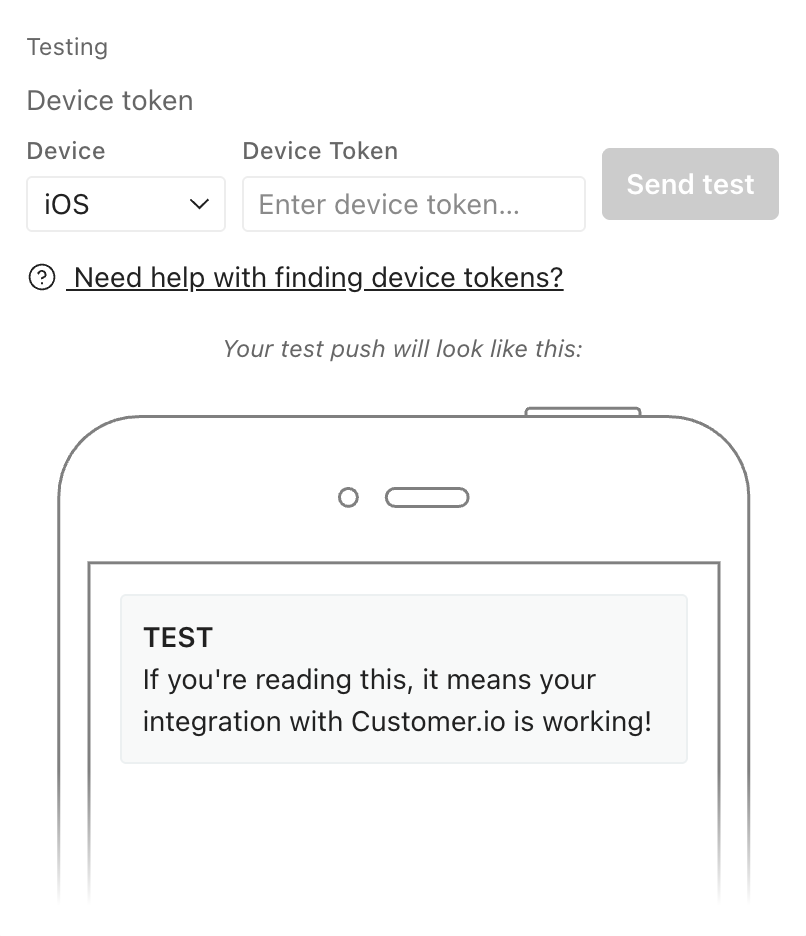
If your account supports multiple apps, your testing experience has a different flow.
If your account supports multiple apps
If your workspace supports multiple mobile apps, test each app separately. Device tokens are tied to the app that registered them, so a token only works with that app’s credentials. When you test, make sure the app you’re testing matches the device token you use—and repeat the test for each app you plan to send to.
To test your push setup is working, send a test message from Workspace settings > Push. Click Test app… to get started:
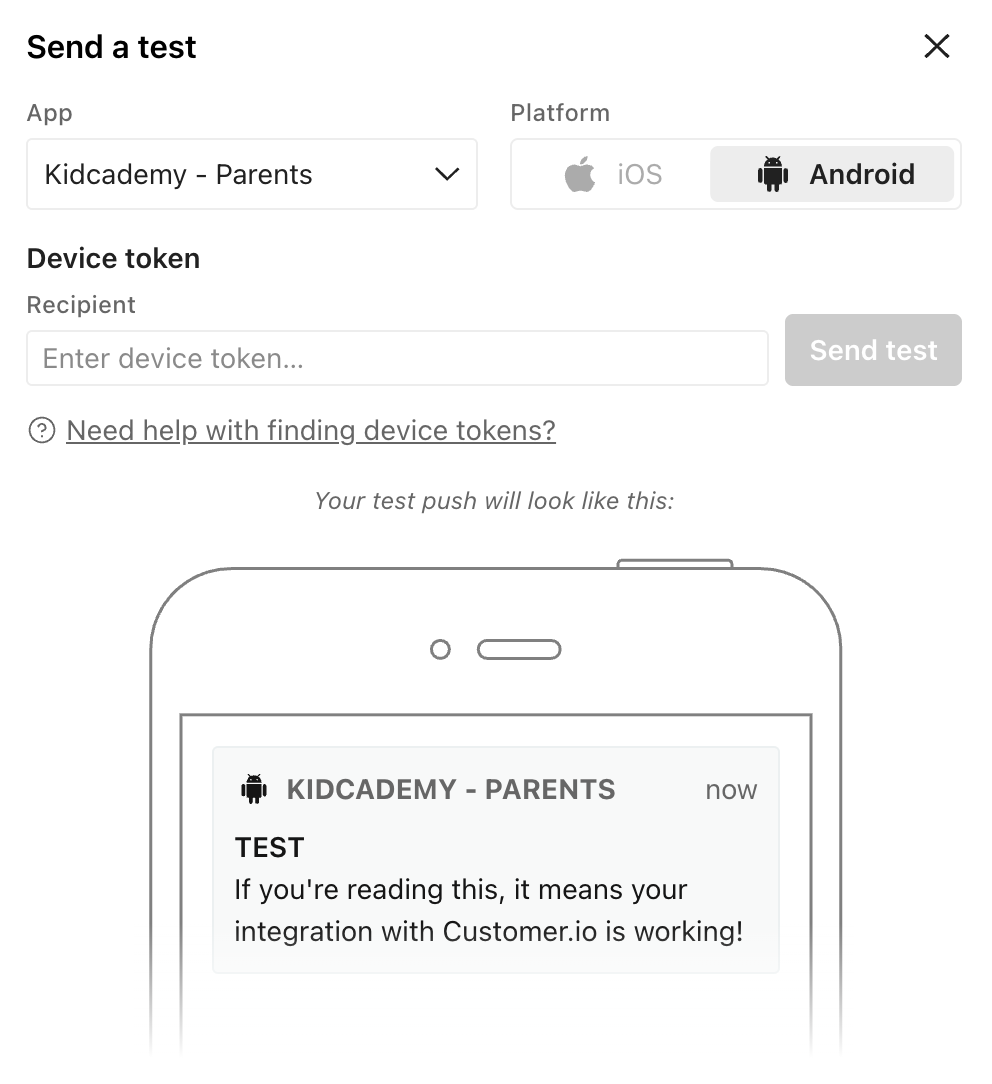
Choose your app, platform type, and add a token for the device you want to send a test push notification to.
Send a single push notification
If you want to see how your push notification looks on a single device, you can send a test from within the push notification composer:
.png)
This is the modal you should see:
.png)
If the message includes redacted data (that is, an admin has hidden sensitive attribute values from you), then test sends will not show the values for those sensitive attributes.