

Use your Mailgun account
You can use your Mailgun account to send email through Customer.io with no loss in functionality. To take advantage of Mailgun, you need to do two things:
Point Mailgun’s webhooks at Customer.io
-
Go to the Mailgun webhooks page.
-
Enter the webhook URL that corresponds to your region for the events you want to forward to Customer.io.
- US:
https://track.customer.io/mailgun/events - EU:
https://track-eu.customer.io/mailgun/events

- US:
If you want to track opens and clicks via Mailgun and not Customer.io, you can change tracking settings on an email by email basis.
Configure Customer.io custom SMTP settings
Before you begin, you need your Mailgun SMTP credentials. This integration uses port 2525. If you need to use a different port, you should use a custom SMTP integration.
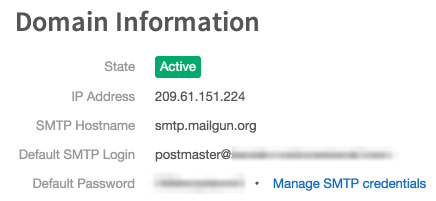
- Go to > Workspace settings > Email > Custom SMTP.
- Click Add custom SMTP server.
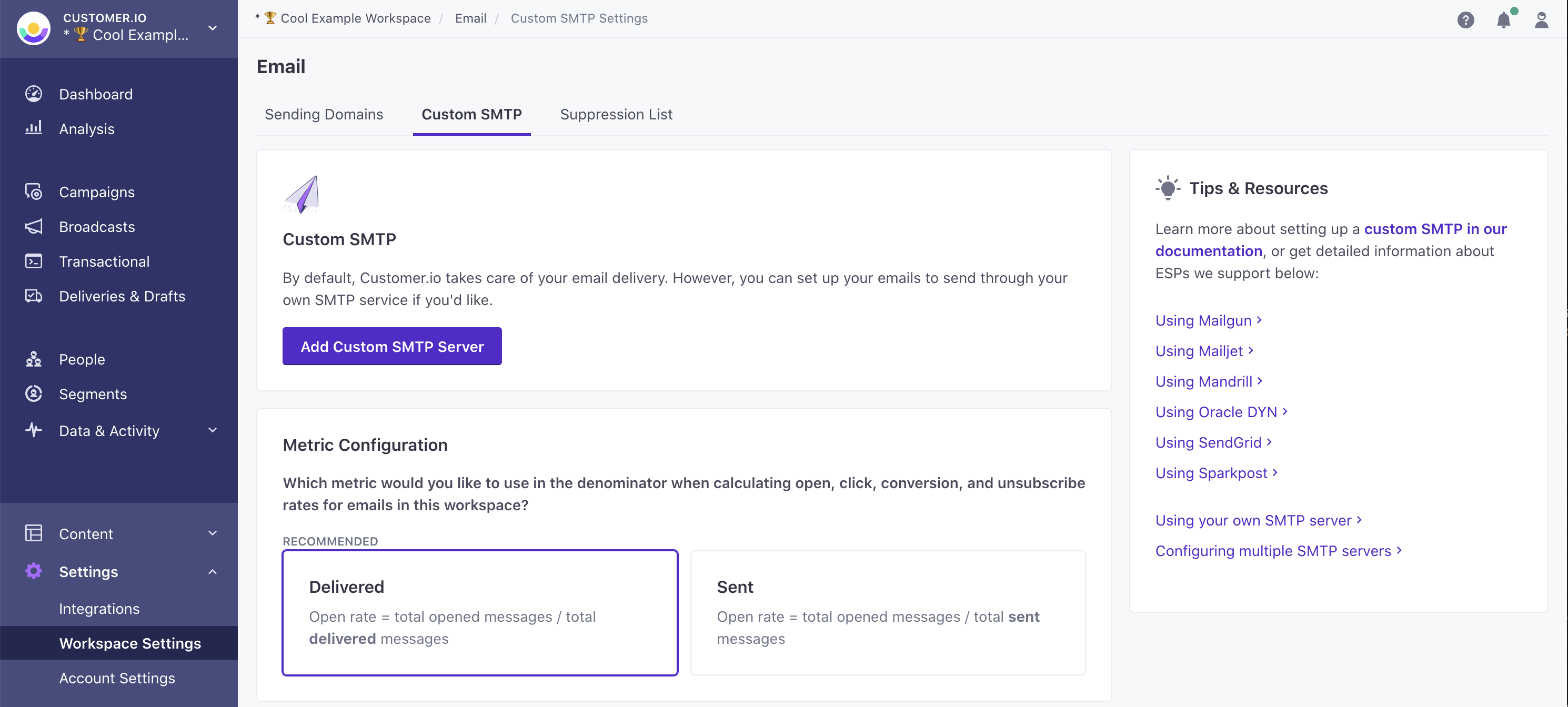
- Under Delivery provider, select Mailgun and click Continue.
- On the Set up webhooks tab, copy the webhook URL and set up webhooks in Mailgun so Customer.io can report delivery metrics. Then click Done, or click Skip for now to set up webhooks later.
- On the Add credentials tab, select the Address for your Mailgun region (
smtp.mailgun.orgfor US orsmtp.eu.mailgun.orgfor EU), and then enter your Mailgun SMTP login and password.
- Click Finish set up. Your account is now set up to send email through Mailgun. If you have any questions or feedback, contact us and we’ll be happy to help!